Camera Profiles and Color Targets: What Actually Works
Photographing a chart of known color patches under the shoot's lighting and using it to build a camera profile, so colors in the images match the real products.
 Imogen Clarke

At a glance
- Color target a chart of known color patches photographed under the shoot lighting
- Custom camera profile corrects a camera's color response for that lighting
- Adobe camera profiles used by Lightroom and Camera Raw in the DNG profile format
- Capture One uses ICC profiles for camera input
- White balance set from a neutral gray patch in the target
Why it matters
Why it matters: Every camera and lighting setup renders color slightly differently, and a profile made for the actual setup removes most of the guesswork before retouching starts.
Best practice
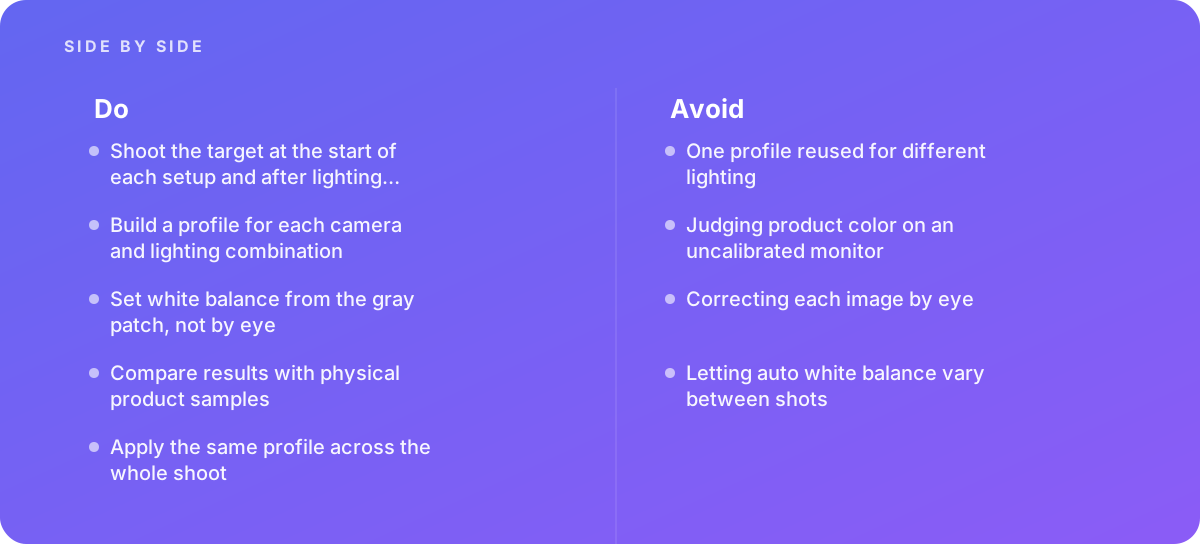
- Shoot the target at the start of each setup and after lighting changes
- Build a profile for each camera and lighting combination
- Set white balance from the gray patch, not by eye
- Compare results with physical product samples
- Apply the same profile across the whole shoot
Common pitfalls
Watch out for:
- One profile reused for different lighting
- Judging product color on an uncalibrated monitor
- Correcting each image by eye
- Letting auto white balance vary between shots
When to call in a specialist
Bottom line Bring in help when product colors cause returns, when several photographers or studios must match, or when brand colors must be exact.
Where this comes from
- Adobe Help Center — Camera Raw profiles
- Capture One — Working with ICC profiles
- International Color Consortium — Introduction to the ICC profile format
The figures and practices above come from the sources listed.
Working on something like this?
We take on Photography & Product Visuals work for teams who want it done once, properly. Tell us what you are building and we will tell you honestly whether we are the right studio for it. Start a project.
Where to go next
Spotted something wrong? Report an error on this page. We correct on the page and say what changed.