360-Degree Product Photography: The Decisions That Matter
Photographing a product on a turntable at regular intervals and combining the frames into an interactive view that shoppers can rotate.
 MediaScaleUp Editorial Team

What is at stake
A spin shows every side of a product in one place, but it only works when every frame matches exactly and the viewer loads quickly.
The playbook
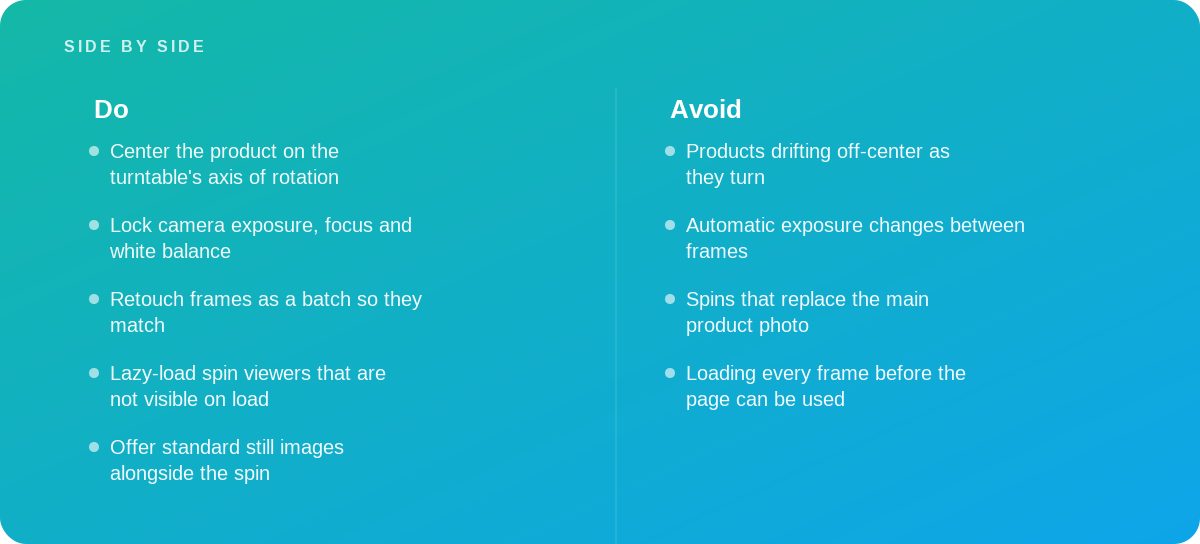
- Center the product on the turntable's axis of rotation
- Lock camera exposure, focus and white balance
- Retouch frames as a batch so they match
- Lazy-load spin viewers that are not visible on load
- Offer standard still images alongside the spin
Where it goes wrong
Avoid:
- Products drifting off-center as they turn
- Automatic exposure changes between frames
- Spins that replace the main product photo
- Loading every frame before the page can be used
The numbers behind it
| Measure | Figure |
|---|---|
| Common frame counts | 24, 36 or 72 frames, at 15, 10 or 5 degree steps |
| Consistency | fixed camera, lighting and turntable position for every frame |
| Delivery | image sequences in a spin viewer, or rendered as video |
| Trade-off | more frames give smoother rotation but heavier pages |
Getting outside help
When to hand it over: Bring in help when adding spins to a large catalog, or when spins slow product pages down.
Where this comes from
- Shopify Help Center — Adding media to products
- web.dev — Browser-level image lazy loading for the web
The figures and practices above come from the sources listed.
Working on something like this?
We take on Photography & Product Visuals work for teams who want it done once, properly. Tell us what you are building and we will tell you honestly whether we are the right studio for it. Start a project.
Where to go next
Spotted something wrong? Report an error on this page. We correct on the page and say what changed.