Brand Templates for Teams: What Actually Works
Ready-made templates for presentations, documents, social posts and ads that let non-designers produce on-brand materials.
 MediaScaleUp Editorial Team
At a glance
- Common tools PowerPoint, Word, Google Workspace, Canva and Figma
- Locked elements logos and layouts can be locked to prevent changes
- Styles documents should use defined styles rather than manual formatting
- Accessibility templates should build in headings, contrast and alt text
Why it matters
Why it matters: Templates are how most branded material actually gets made, so good templates protect the brand more than guidelines alone.
Best practice
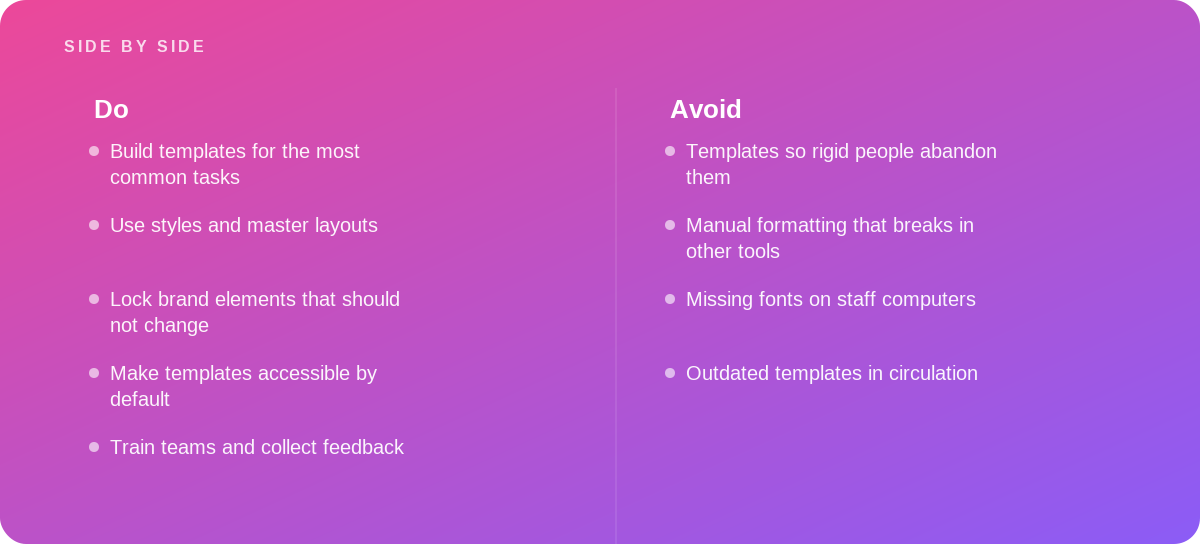
- Build templates for the most common tasks
- Use styles and master layouts
- Lock brand elements that should not change
- Make templates accessible by default
- Train teams and collect feedback
Common pitfalls
Watch out for:
- Templates so rigid people abandon them
- Manual formatting that breaks in other tools
- Missing fonts on staff computers
- Outdated templates in circulation
When to call in a specialist
Bottom line Bring in help when teams produce inconsistent materials, or after a rebrand.
Where this comes from
- Microsoft Learn — Create a PowerPoint template
- Figma Help Center — Guide to libraries
The figures and practices above come from the sources listed.
Working on something like this?
We take on Brand & Identity Design work for teams who want it done once, properly. Tell us what you are building and we will tell you honestly whether we are the right studio for it. Start a project.
Where to go next
Spotted something wrong? Report an error on this page. We correct on the page and say what changed.