Archiving and Unpublishing Content: What Actually Works
Deciding what to do with content that is outdated, wrong or no longer relevant.
 Dana Whitfield

Where most projects go wrong
The usual mistakes:
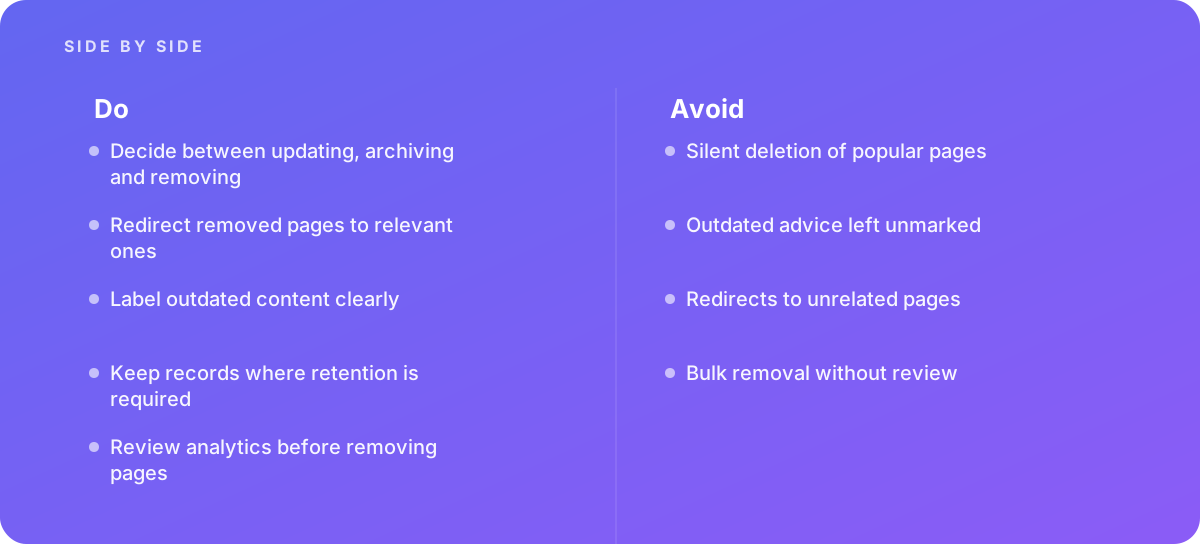
- Silent deletion of popular pages
- Outdated advice left unmarked
- Redirects to unrelated pages
- Bulk removal without review
What good looks like instead
- Decide between updating, archiving and removing
- Redirect removed pages to relevant ones
- Label outdated content clearly
- Keep records where retention is required
- Review analytics before removing pages
Why it matters
Deleting pages breaks links and loses value, while leaving wrong content published damages trust.
The specs that matter
| Measure | Figure |
|---|---|
| Redirects | preserve link value when pages are removed |
| Archive notices | mark content as historical rather than current |
| Legal records | some content must be retained |
| Search | removed pages need handling in search results |
Knowing when to hand it over
Tip: Bring in help when pruning large content libraries.
Where this comes from
- Google Search Central — Removing content from Google Search
- Google Search Central — Redirects and Google Search
The figures and practices above come from the sources listed.
Working on something like this?
We take on Content Strategy work for teams who want it done once, properly. Tell us what you are building and we will tell you honestly whether we are the right studio for it. Start a project.
Where to go next
Spotted something wrong? Report an error on this page. We correct on the page and say what changed.