Accessibility Testing with Assistive Technology, Done Properly
Testing with screen readers, keyboard-only navigation, magnification and voice control rather than only with automated tools.
 MediaScaleUp Editorial Team
What is at stake
Automated tools find only a portion of accessibility issues, and the ones they miss are often the ones that make a product unusable.
The playbook
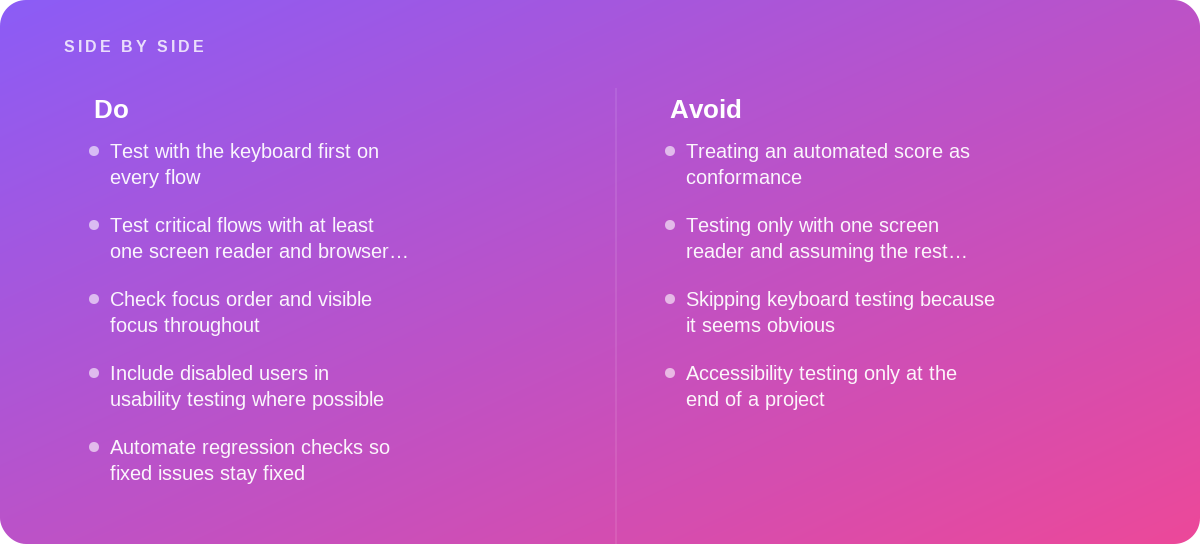
- Test with the keyboard first on every flow
- Test critical flows with at least one screen reader and browser combination
- Check focus order and visible focus throughout
- Include disabled users in usability testing where possible
- Automate regression checks so fixed issues stay fixed
Where it goes wrong
Avoid:
- Treating an automated score as conformance
- Testing only with one screen reader and assuming the rest behave alike
- Skipping keyboard testing because it seems obvious
- Accessibility testing only at the end of a project
The numbers behind it
| Measure | Figure |
|---|---|
| Automated coverage | finds a minority of issues; the rest require manual testing |
| Keyboard testing | finds structural problems quickly and needs no special software |
| Screen readers | behavior differs between readers and browsers |
| Testing with users | stronger evidence than expert review alone |
| Focus order | must follow a logical reading sequence |
Getting outside help
When to hand it over: Bring in help when conformance must be demonstrated, when a complaint has been received, or when a component library must be tested comprehensively.
Where this comes from
- Deque University — Assistive technology testing
- W3C Web Accessibility Initiative — Evaluation methods
- GOV.UK Service Manual — Testing for accessibility
The figures and practices above come from the sources listed.
Working on something like this?
We take on UI & UX Design work for teams who want it done once, properly. Tell us what you are building and we will tell you honestly whether we are the right studio for it. Start a project.
Where to go next
Spotted something wrong? Report an error on this page. We correct on the page and say what changed.