A Practical Guide to Design Handover to Development
Giving developers what they need to build the design correctly: specifications, assets, states and the reasoning.
 Priya Raghunathan

At a glance
- Commonly missing states, edge cases, responsive behavior and error handling
- Inspection tools give measurements but not intent
- Component mapping design components should map to code components
- Responsive behavior needs specifying, not inferring from two artboards
- Content extremes longest and shortest realistic content
Why it matters
Why it matters: Most implementation discrepancies are handover failures rather than developer errors — the information simply was not there.
Best practice
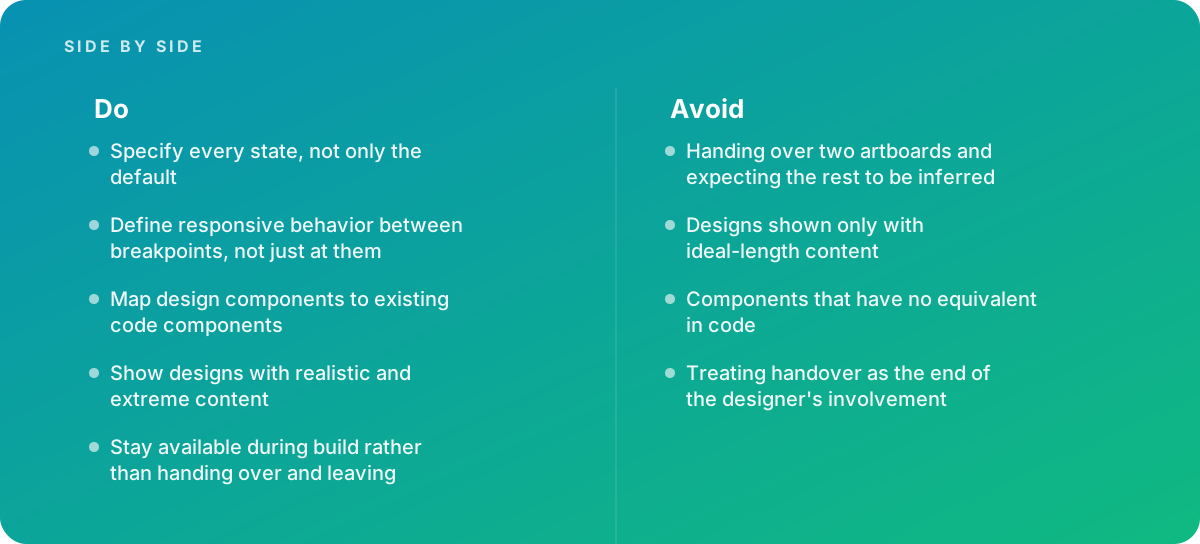
- Specify every state, not only the default
- Define responsive behavior between breakpoints, not just at them
- Map design components to existing code components
- Show designs with realistic and extreme content
- Stay available during build rather than handing over and leaving
Common pitfalls
Watch out for:
- Handing over two artboards and expecting the rest to be inferred
- Designs shown only with ideal-length content
- Components that have no equivalent in code
- Treating handover as the end of the designer's involvement
When to call in a specialist
Bottom line Bring in help when built interfaces consistently differ from designs, when design and code components have diverged, or when a team needs a handover standard.
Where this comes from
- Figma Help Center — Developer handoff
- Material Design — Design to code
- GOV.UK Service Manual — Working as a team
The figures and practices above come from the sources listed.
Working on something like this?
We take on UI & UX Design work for teams who want it done once, properly. Tell us what you are building and we will tell you honestly whether we are the right studio for it. Start a project.
Where to go next
Spotted something wrong? Report an error on this page. We correct on the page and say what changed.