A Practical Guide to Search Console
The reporting tool that shows how a search engine sees your site: queries, coverage, enhancements and errors.
 MediaScaleUp Editorial Team

What is at stake
It is the only source of first-party search data, and it is free, which makes ignoring it the most expensive decision in SEO.
The playbook
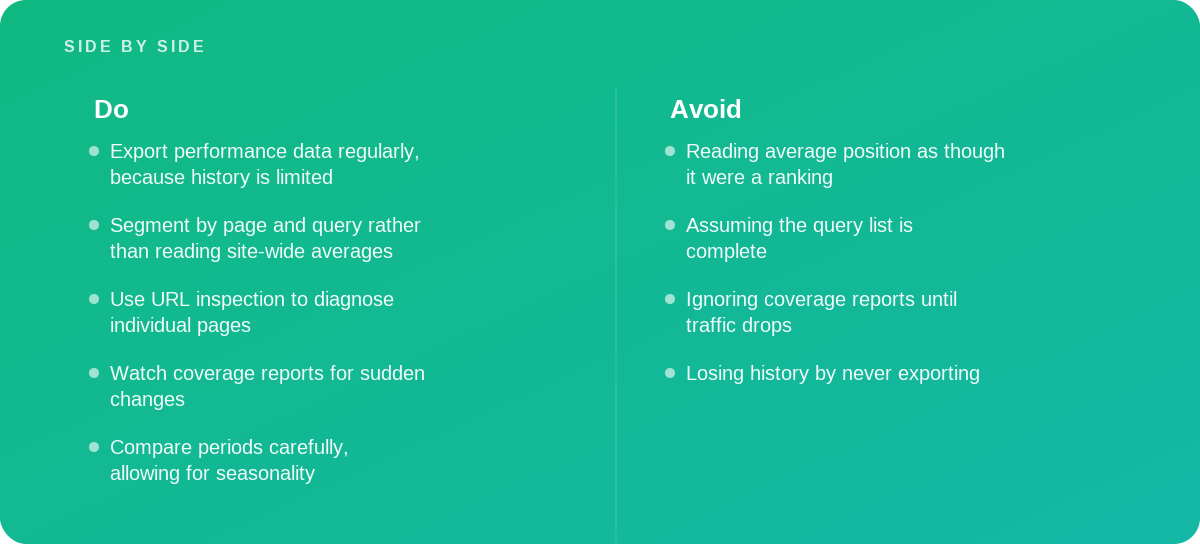
- Export performance data regularly, because history is limited
- Segment by page and query rather than reading site-wide averages
- Use URL inspection to diagnose individual pages
- Watch coverage reports for sudden changes
- Compare periods carefully, allowing for seasonality
Where it goes wrong
Avoid:
- Reading average position as though it were a ranking
- Assuming the query list is complete
- Ignoring coverage reports until traffic drops
- Losing history by never exporting
The numbers behind it
| Measure | Figure |
|---|---|
| Performance data | queries, impressions, clicks, position and click-through rate |
| Data retention | 16 months of performance history |
| Position reporting | an average, which hides the distribution behind it |
| Coverage | which pages are indexed and why others are not |
| URL inspection | shows how a specific page was crawled, rendered and indexed |
| Sampling | query data is filtered and anonymised for rare queries |
Getting outside help
When to hand it over: Bring in help when coverage changes suddenly, when reported data contradicts analytics, or when a manual action notice has been received.
Where this comes from
- Google Search Central — Search Console help
- Google Search Central — Performance report documentation
- Bing Webmaster Tools — Reporting and diagnostics
The figures and practices above come from the sources listed.
Working on something like this?
We take on SEO Services work for teams who want it done once, properly. Tell us what you are building and we will tell you honestly whether we are the right studio for it. Start a project.
Where to go next
Spotted something wrong? Report an error on this page. We correct on the page and say what changed.