A Practical Guide to PHP Version Support
The support lifecycle of PHP releases, which receive active bug fixes and then security-only fixes before reaching end of life.
 MediaScaleUp Editorial Team

Where most projects go wrong
The usual mistakes:
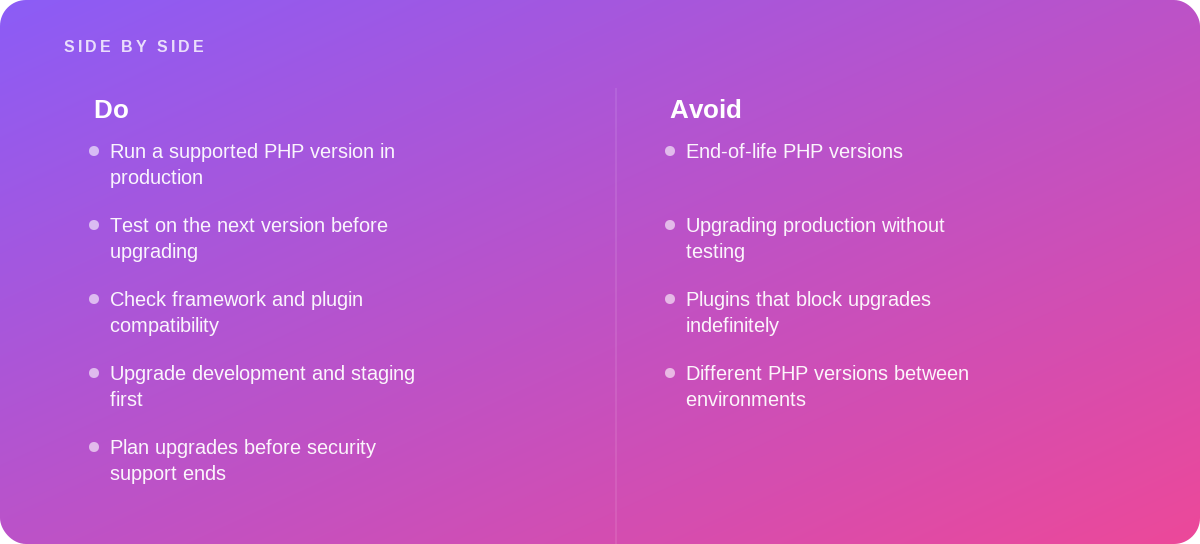
- End-of-life PHP versions
- Upgrading production without testing
- Plugins that block upgrades indefinitely
- Different PHP versions between environments
What good looks like instead
- Run a supported PHP version in production
- Test on the next version before upgrading
- Check framework and plugin compatibility
- Upgrade development and staging first
- Plan upgrades before security support ends
Why it matters
Many sites run PHP versions that no longer receive security fixes, and hosting providers eventually force upgrades that break unprepared code.
The specs that matter
| Measure | Figure |
|---|---|
| Active support | two years of bug and security fixes |
| Security support | two further years of security fixes only |
| End of life | no further fixes, including for security issues |
| Where to check | the supported versions page on php.net |
Knowing when to hand it over
Tip: Bring in help when a host announces an end-of-life date for your PHP version, or when legacy code blocks upgrades.
Where this comes from
- PHP Manual — Supported versions
- WordPress Developer Resources — PHP compatibility
The figures and practices above come from the sources listed.
Working on something like this?
We take on Web Design & Development work for teams who want it done once, properly. Tell us what you are building and we will tell you honestly whether we are the right studio for it. Start a project.
Where to go next
Spotted something wrong? Report an error on this page. We correct on the page and say what changed.





