How to Get Two-Factor Authentication Right
Requiring a second factor at sign-in in addition to a password, such as a code from an authenticator app, a passkey or a hardware security key.
 Marcus Adeyemi

Why does it matter?
Two-factor authentication blocks most account takeovers that use stolen or reused passwords.
What are the numbers?
- Authenticator codes time-based one-time passwords defined in RFC 6238
- Default time step 30 seconds
- SMS codes better than nothing but vulnerable to SIM swapping
- Phishing resistance passkeys and security keys using WebAuthn resist phishing
What should I do?
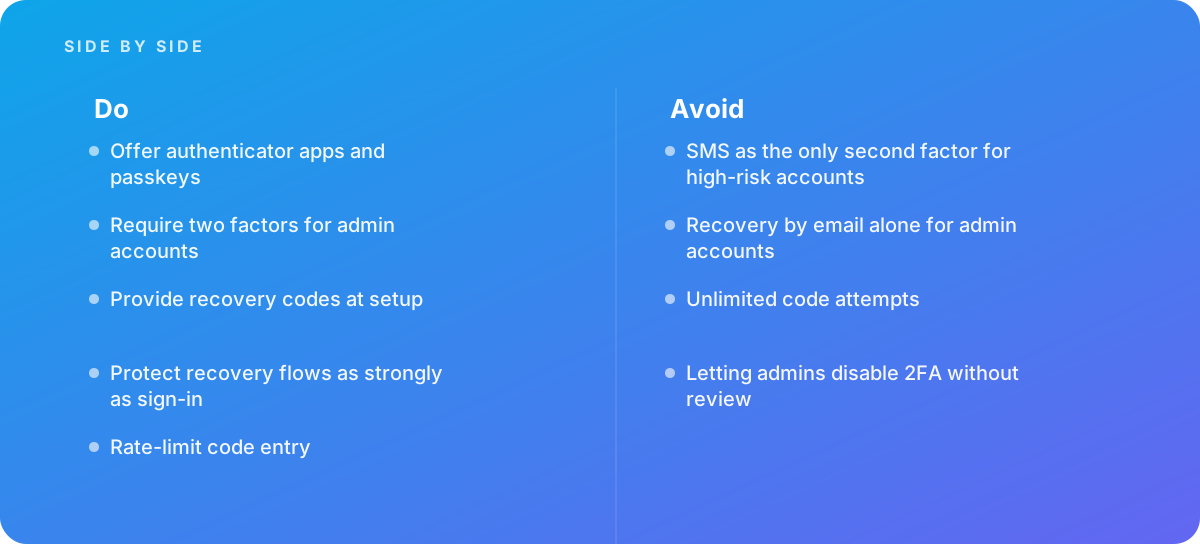
- Offer authenticator apps and passkeys
- Require two factors for admin accounts
- Provide recovery codes at setup
- Protect recovery flows as strongly as sign-in
- Rate-limit code entry
What should I avoid?
Avoid:
- SMS as the only second factor for high-risk accounts
- Recovery by email alone for admin accounts
- Unlimited code attempts
- Letting admins disable 2FA without review
When should I get help?
Short answer Bring in help when adding 2FA to an existing product, or after account takeover incidents.
Where this comes from
- RFC Editor — RFC 6238 TOTP: Time-Based One-Time Password Algorithm
- OWASP — Multifactor Authentication Cheat Sheet
The figures and practices above come from the sources listed.
Working on something like this?
We take on Web Design & Development work for teams who want it done once, properly. Tell us what you are building and we will tell you honestly whether we are the right studio for it. Start a project.
Where to go next
Spotted something wrong? Report an error on this page. We correct on the page and say what changed.