Wishlists and Saved Items: What Actually Works
Features that let shoppers save products for later, share lists or track items they intend to buy.
 MediaScaleUp Editorial Team

At a glance
- Intent saved items signal genuine interest
- Accounts wishlists usually require sign-in to persist
- Sharing shared lists support gifting
- Notifications price drops and stock alerts can revive interest
Why it matters
Why it matters: Wishlists capture intent that would otherwise be lost, and they give stores a reason to follow up.
Best practice
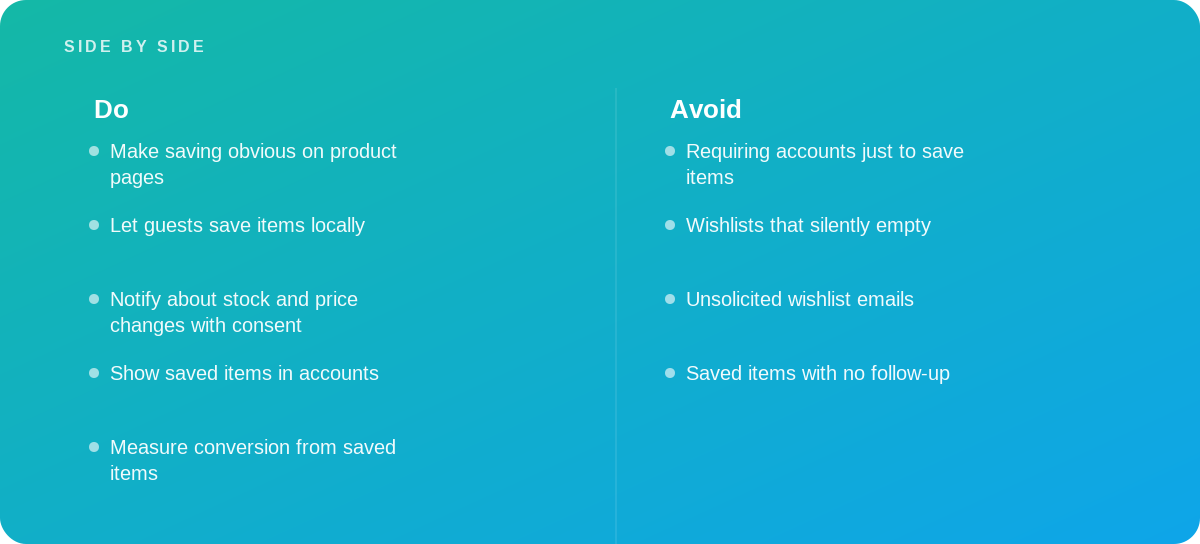
- Make saving obvious on product pages
- Let guests save items locally
- Notify about stock and price changes with consent
- Show saved items in accounts
- Measure conversion from saved items
Common pitfalls
Watch out for:
- Requiring accounts just to save items
- Wishlists that silently empty
- Unsolicited wishlist emails
- Saved items with no follow-up
When to call in a specialist
Bottom line Bring in help when considered purchases need nurturing.
Where this comes from
- Baymard Institute — Product page UX research
- Shopify Help Center — Customer accounts
The figures and practices above come from the sources listed.
Working on something like this?
We take on E-commerce Development work for teams who want it done once, properly. Tell us what you are building and we will tell you honestly whether we are the right studio for it. Start a project.
Where to go next
Spotted something wrong? Report an error on this page. We correct on the page and say what changed.