Stock Availability Messaging: What Actually Works
Showing shoppers whether products are in stock, low in stock, on backorder or available for preorder, and when they will ship.
 MediaScaleUp Editorial Team

Why does it matter?
Clear availability sets expectations and prevents cancellations, while inaccurate messages create complaints and legal risk under shipping rules.
What are the numbers?
- Statuses in stock, low stock, backorder, preorder and out of stock
- FTC Mail Order Rule applies to shipping promises for backorders and preorders
- Accuracy messages should come from live inventory
- Notifications back-in-stock alerts capture demand
What should I do?
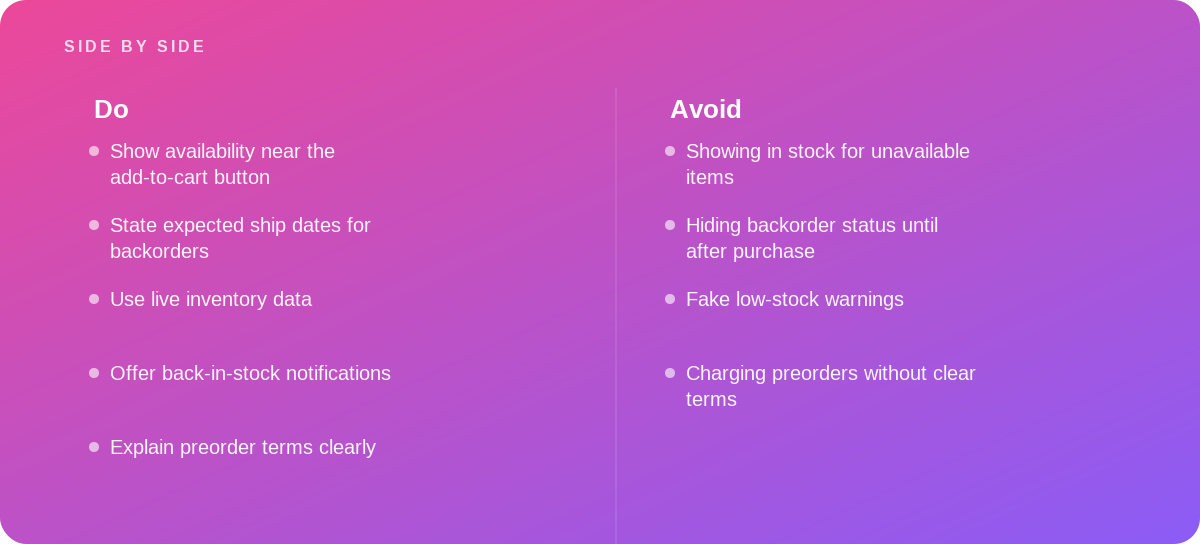
- Show availability near the add-to-cart button
- State expected ship dates for backorders
- Use live inventory data
- Offer back-in-stock notifications
- Explain preorder terms clearly
What should I avoid?
Avoid:
- Showing in stock for unavailable items
- Hiding backorder status until after purchase
- Fake low-stock warnings
- Charging preorders without clear terms
When should I get help?
Short answer Bring in help when cancellations or shipping complaints rise.
Where this comes from
- Federal Trade Commission — Business Guide to the Mail, Internet, or Telephone Order Merchandise Rule
- Baymard Institute — Product page UX research
The figures and practices above come from the sources listed.
Working on something like this?
We take on E-commerce Development work for teams who want it done once, properly. Tell us what you are building and we will tell you honestly whether we are the right studio for it. Start a project.
Where to go next
Spotted something wrong? Report an error on this page. We correct on the page and say what changed.