Spectral Editing, Done Properly
Repairing audio by working on a spectrogram, where individual sounds such as coughs, phone rings or chair squeaks can be seen and removed.
 MediaScaleUp Editorial Team

Where most projects go wrong
The usual mistakes:
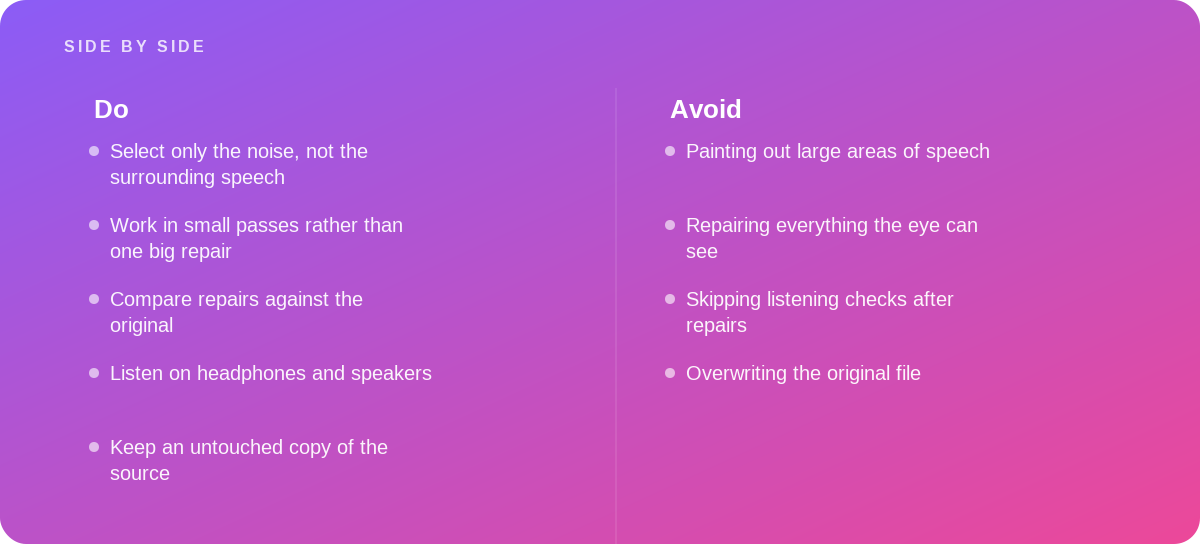
- Painting out large areas of speech
- Repairing everything the eye can see
- Skipping listening checks after repairs
- Overwriting the original file
What good looks like instead
- Select only the noise, not the surrounding speech
- Work in small passes rather than one big repair
- Compare repairs against the original
- Listen on headphones and speakers
- Keep an untouched copy of the source
Why it matters
Spectral tools can remove noises that ordinary editing and EQ cannot, but heavy use leaves hollow or smeared artifacts.
The specs that matter
| Measure | Figure |
|---|---|
| Spectrogram | shows time on one axis, frequency on the other and level as brightness |
| Tools | iZotope RX and Adobe Audition both include spectral editing |
| Typical fixes | coughs, clicks, sirens and phone rings |
| Artifacts | aggressive repairs can sound hollow or smeared |
Knowing when to hand it over
Tip: Bring in help when irreplaceable recordings have intrusive noises.
Where this comes from
- iZotope — RX Help Documentation
- Adobe Help Center — Audition User Guide
The figures and practices above come from the sources listed.
Working on something like this?
We take on Audio Editing & Production work for teams who want it done once, properly. Tell us what you are building and we will tell you honestly whether we are the right studio for it. Start a project.
Where to go next
Spotted something wrong? Report an error on this page. We correct on the page and say what changed.