Multiband Compression, Done Properly
Compression that splits audio into frequency bands and controls each one separately, used in mastering, broadcast and problem-solving.
 MediaScaleUp Editorial Team

Why does it matter?
It can tame a boomy low end or harsh upper mids without squashing the whole mix, but careless settings make audio sound unnatural.
What are the numbers?
- Bands the signal is split at crossover frequencies
- Independent control each band has its own threshold and ratio
- De-essing is a form of frequency-specific compression
- Built-in tools Adobe Audition and Cubase include multiband compressors
What should I do?
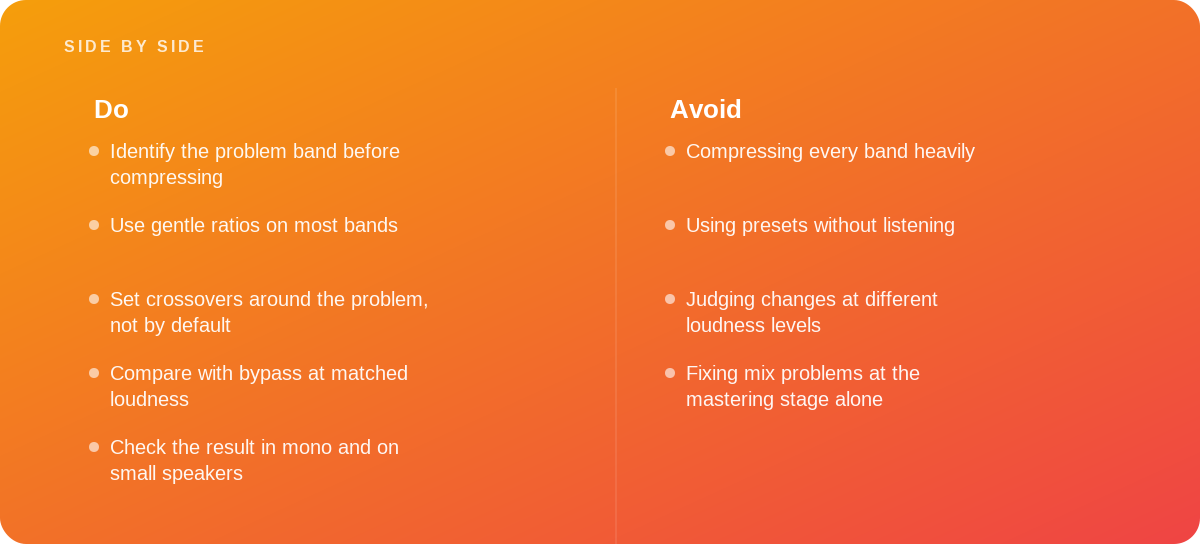
- Identify the problem band before compressing
- Use gentle ratios on most bands
- Set crossovers around the problem, not by default
- Compare with bypass at matched loudness
- Check the result in mono and on small speakers
What should I avoid?
Avoid:
- Compressing every band heavily
- Using presets without listening
- Judging changes at different loudness levels
- Fixing mix problems at the mastering stage alone
When should I get help?
Short answer Bring in help when masters need tonal control without losing dynamics.
Where this comes from
- Adobe Help Center — Audition User Guide
- Steinberg — Cubase Plug-in Reference
The figures and practices above come from the sources listed.
Working on something like this?
We take on Audio Editing & Production work for teams who want it done once, properly. Tell us what you are building and we will tell you honestly whether we are the right studio for it. Start a project.
Where to go next
Spotted something wrong? Report an error on this page. We correct on the page and say what changed.