Rotoscoping: The Decisions That Matter
Creating masks that follow moving subjects frame by frame, so they can be isolated for effects, color or compositing.
 Tomas Lindqvist

Where most projects go wrong
The usual mistakes:
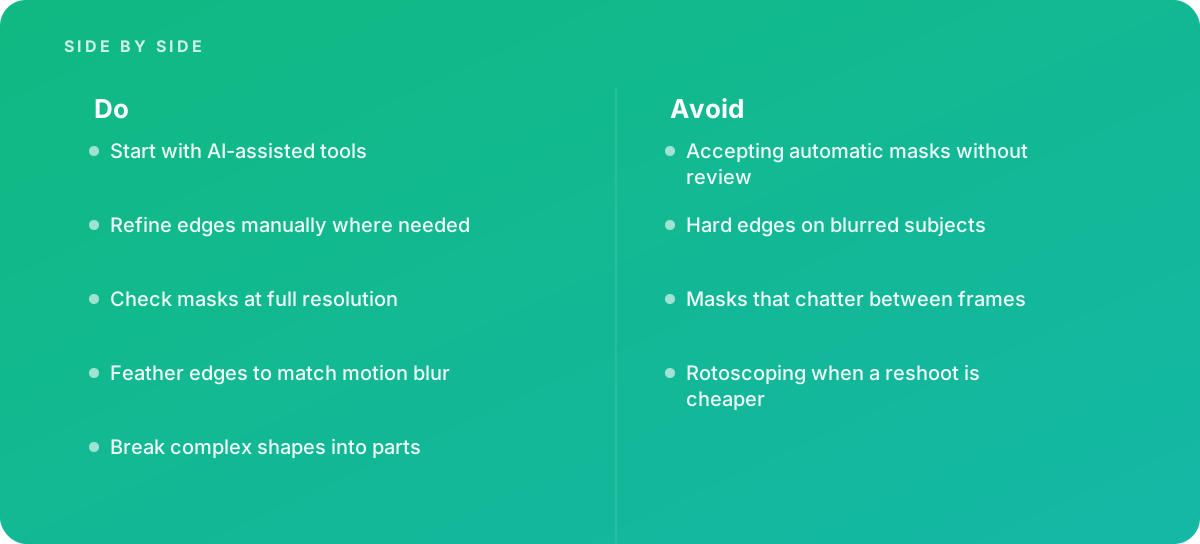
- Accepting automatic masks without review
- Hard edges on blurred subjects
- Masks that chatter between frames
- Rotoscoping when a reshoot is cheaper
What good looks like instead
- Start with AI-assisted tools
- Refine edges manually where needed
- Check masks at full resolution
- Feather edges to match motion blur
- Break complex shapes into parts
Why it matters
Rotoscoping is essential for many effects, and AI tools have made it faster, but hair, motion blur and fast movement still need skill.
The specs that matter
| Measure | Figure |
|---|---|
| Roto Brush | After Effects' tool for separating subjects from backgrounds |
| Magic Mask | DaVinci Resolve's AI-assisted masking tool |
| Difficult areas | hair, motion blur and transparency |
| Planar tracking | can speed up rotoscoping on rigid surfaces |
Knowing when to hand it over
Tip: Bring in help when effects depend on clean subject isolation.
Where this comes from
- Adobe Help Center — After Effects User Guide
- Blackmagic Design — DaVinci Resolve Reference Manual
The figures and practices above come from the sources listed.
Working on something like this?
We take on Video Editing & Production work for teams who want it done once, properly. Tell us what you are building and we will tell you honestly whether we are the right studio for it. Start a project.
Where to go next
Spotted something wrong? Report an error on this page. We correct on the page and say what changed.