Shutter Speed for Video: The Decisions That Matter
How long each frame is exposed, usually expressed as a shutter angle, and how it affects motion blur.
 MediaScaleUp Editorial Team

What is at stake
Shutter settings change how motion feels, and mismatched settings create stutter or unnatural smoothness.
The playbook
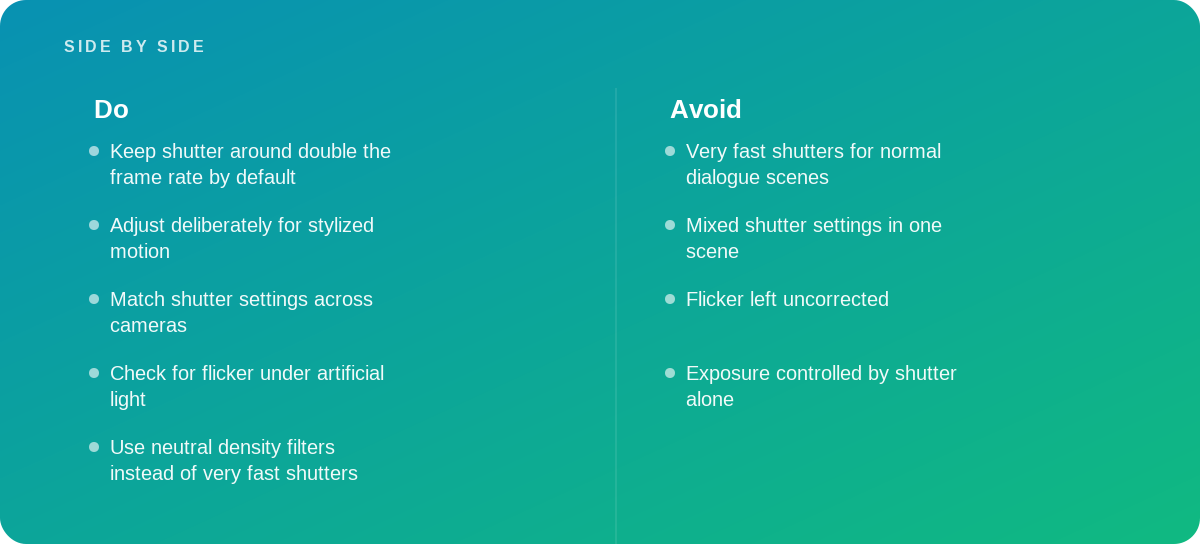
- Keep shutter around double the frame rate by default
- Adjust deliberately for stylized motion
- Match shutter settings across cameras
- Check for flicker under artificial light
- Use neutral density filters instead of very fast shutters
Where it goes wrong
Avoid:
- Very fast shutters for normal dialogue scenes
- Mixed shutter settings in one scene
- Flicker left uncorrected
- Exposure controlled by shutter alone
The numbers behind it
| Measure | Figure |
|---|---|
| Standard practice | shutter speed is commonly set to about double the frame rate |
| Motion blur | longer exposures blur movement more |
| Flicker | artificial lighting can cause banding at some shutter speeds |
| High frame rates | require faster shutter speeds |
Getting outside help
When to hand it over: Bring in help when footage looks stuttery or unnaturally smooth.
Where this comes from
- European Broadcasting Union — Production guidelines
- Blackmagic Design — DaVinci Resolve Reference Manual
The figures and practices above come from the sources listed.
Working on something like this?
We take on Video Editing & Production work for teams who want it done once, properly. Tell us what you are building and we will tell you honestly whether we are the right studio for it. Start a project.
Where to go next
Spotted something wrong? Report an error on this page. We correct on the page and say what changed.












