Real User Monitoring: What Actually Works
Collecting performance data from actual visits rather than from synthetic tests.
 MediaScaleUp Editorial Team

At a glance
- Field data collected from real visits, segmented by device and connection
- Lab data reproducible, useful for debugging, not representative
- Core Web Vitals assessed on field data at the 75th percentile
- Chrome User Experience Report public field data for eligible origins
- Segmentation by template, device, country and connection
Why it matters
Why it matters: Lab tests tell you what is possible on one machine; field data tells you what is happening to real people on real devices and connections.
Best practice
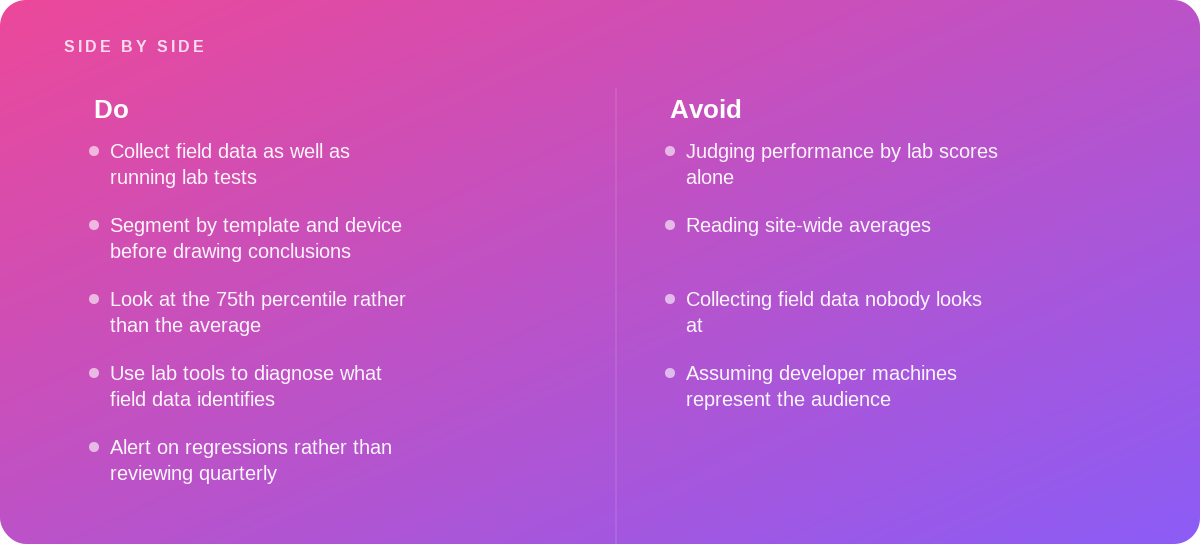
- Collect field data as well as running lab tests
- Segment by template and device before drawing conclusions
- Look at the 75th percentile rather than the average
- Use lab tools to diagnose what field data identifies
- Alert on regressions rather than reviewing quarterly
Common pitfalls
Watch out for:
- Judging performance by lab scores alone
- Reading site-wide averages
- Collecting field data nobody looks at
- Assuming developer machines represent the audience
When to call in a specialist
Bottom line Bring in help when lab and field data disagree, when monitoring must be implemented, or when regressions are not being caught before users notice.
Where this comes from
- web.dev — Real user monitoring
- Chrome for Developers — CrUX and field data
- Google Search Central — Core Web Vitals reporting
The figures and practices above come from the sources listed.
Working on something like this?
We take on Performance & Accessibility work for teams who want it done once, properly. Tell us what you are building and we will tell you honestly whether we are the right studio for it. Start a project.
Where to go next
Spotted something wrong? Report an error on this page. We correct on the page and say what changed.