Product Images for Google Shopping, Done Properly
Google Merchant Center's requirements for product images, such as minimum sizes and rules against promotional overlays and watermarks.
 MediaScaleUp Editorial Team

At a glance
- Minimum size 100 by 100 pixels for non-apparel and 250 by 250 pixels for apparel
- Promotional overlays not allowed on the main image
- Watermarks not allowed
- Accuracy the image must accurately show the product for sale
Why it matters
Why it matters: Images that break the rules are disapproved, and strong images improve performance in shopping ads and free listings.
Best practice
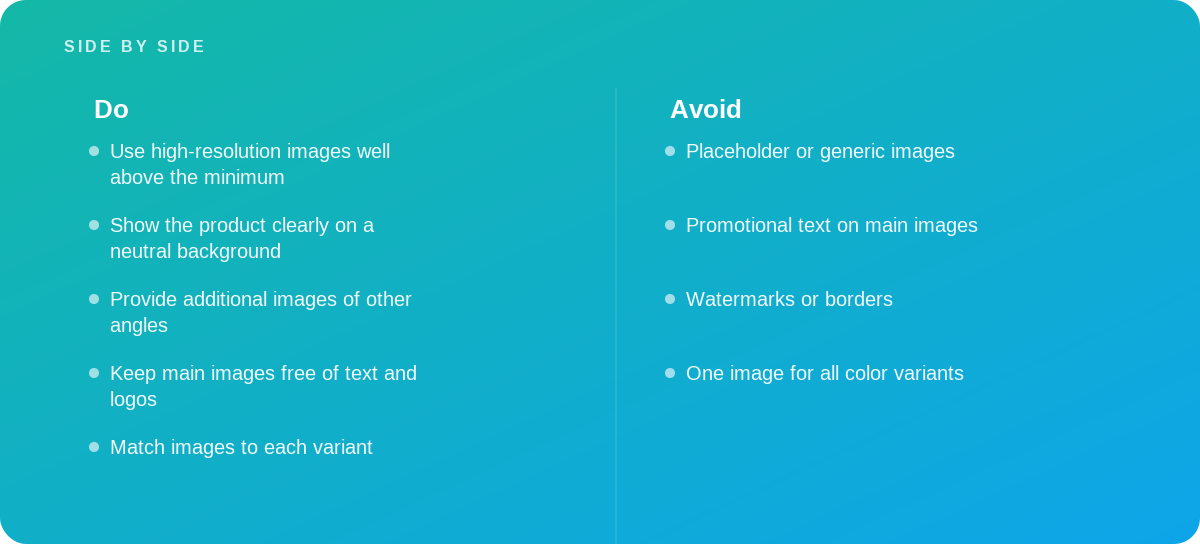
- Use high-resolution images well above the minimum
- Show the product clearly on a neutral background
- Provide additional images of other angles
- Keep main images free of text and logos
- Match images to each variant
Common pitfalls
Watch out for:
- Placeholder or generic images
- Promotional text on main images
- Watermarks or borders
- One image for all color variants
When to call in a specialist
Bottom line Bring in help when product images are disapproved in Merchant Center.
Where this comes from
- Google Merchant Center Help — Image link attribute
- Google Merchant Center Help — Product data specification
The figures and practices above come from the sources listed.
Working on something like this?
We take on Photography & Product Visuals work for teams who want it done once, properly. Tell us what you are building and we will tell you honestly whether we are the right studio for it. Start a project.
Where to go next
Spotted something wrong? Report an error on this page. We correct on the page and say what changed.