Product Image Sizes for Online Stores, Done Properly
Choosing dimensions, aspect ratios and file sizes for product images so they display sharply and consistently on store platforms.
 MediaScaleUp Editorial Team
What is at stake
Images that are too small look blurry when zoomed, while inconsistent ratios make category pages look messy.
The playbook
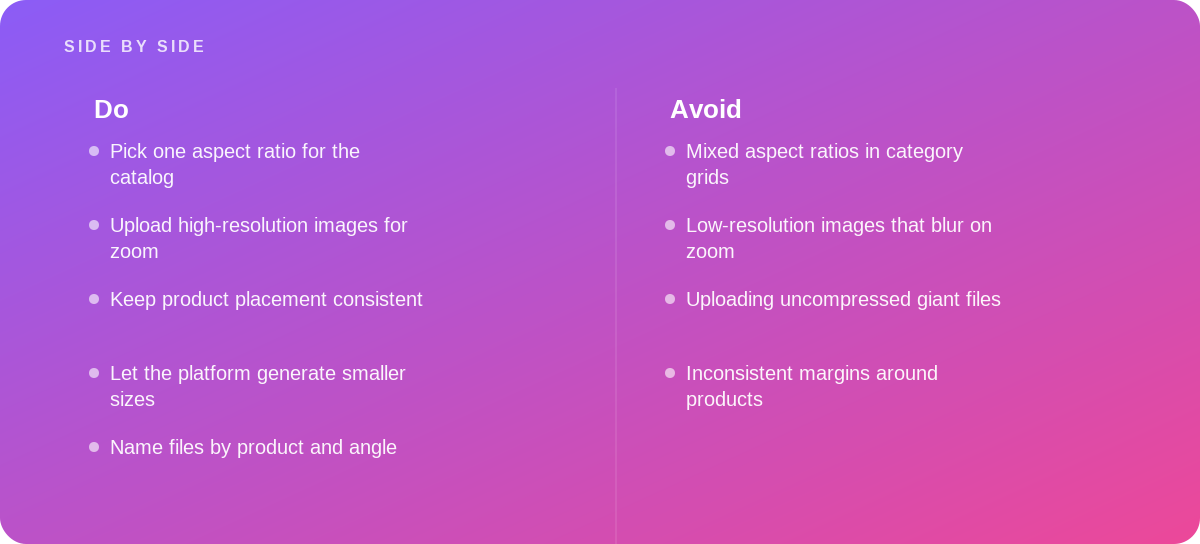
- Pick one aspect ratio for the catalog
- Upload high-resolution images for zoom
- Keep product placement consistent
- Let the platform generate smaller sizes
- Name files by product and angle
Where it goes wrong
Avoid:
- Mixed aspect ratios in category grids
- Low-resolution images that blur on zoom
- Uploading uncompressed giant files
- Inconsistent margins around products
The numbers behind it
| Measure | Figure |
|---|---|
| Shopify recommendation | square images of 2048 by 2048 pixels for product photos |
| Zoom | larger images support product zoom |
| Consistency | the same aspect ratio across a catalog |
| Performance | platforms and CDNs resize images for each device |
Getting outside help
When to hand it over: Bring in help when catalog images look inconsistent or slow pages down.
Where this comes from
- Shopify Help Center — Product media
- Google Merchant Center Help — Image link attribute
The figures and practices above come from the sources listed.
Working on something like this?
We take on Photography & Product Visuals work for teams who want it done once, properly. Tell us what you are building and we will tell you honestly whether we are the right studio for it. Start a project.
Where to go next
Spotted something wrong? Report an error on this page. We correct on the page and say what changed.