Tilt-Shift Lenses, Done Properly
Lenses that shift to correct perspective and tilt to change the plane of focus, used for architecture, interiors and product photography.
 MediaScaleUp Editorial Team
Why does it matter?
Shift keeps vertical lines straight without software distortion, and tilt can extend focus across products without small apertures.
What are the numbers?
- Shift moves the lens to correct converging verticals
- Tilt angles the plane of focus
- Architecture shift lenses keep buildings upright
- Product use tilt extends focus along a surface
What should I do?
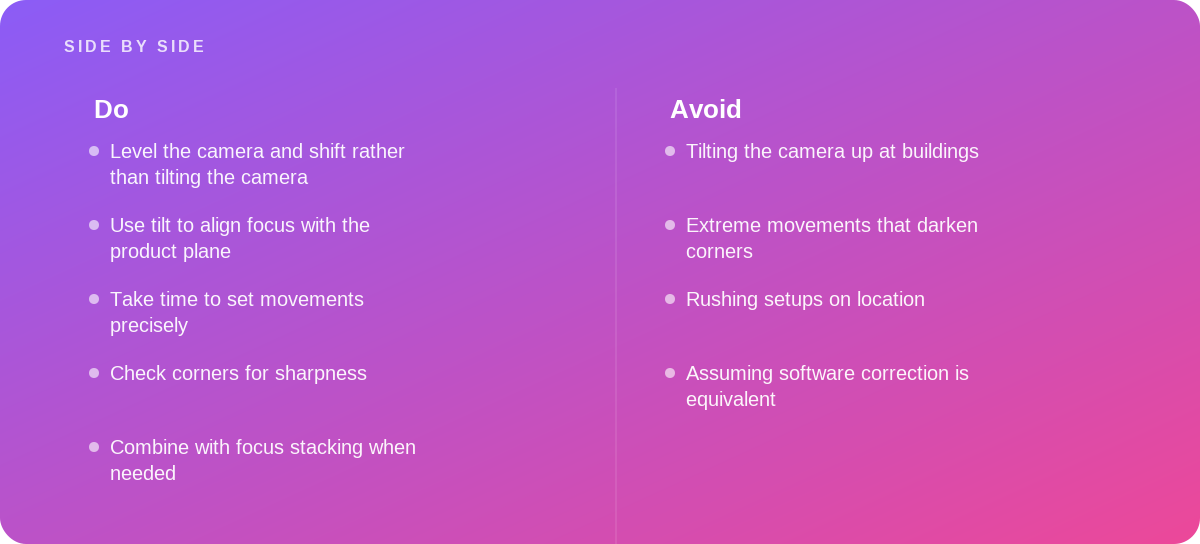
- Level the camera and shift rather than tilting the camera
- Use tilt to align focus with the product plane
- Take time to set movements precisely
- Check corners for sharpness
- Combine with focus stacking when needed
What should I avoid?
Avoid:
- Tilting the camera up at buildings
- Extreme movements that darken corners
- Rushing setups on location
- Assuming software correction is equivalent
When should I get help?
Short answer Bring in help for architectural, interior or high-end product photography.
Where this comes from
- Adobe Help Center — Upright perspective correction
- Capture One — Keystone correction
The figures and practices above come from the sources listed.
Working on something like this?
We take on Photography & Product Visuals work for teams who want it done once, properly. Tell us what you are building and we will tell you honestly whether we are the right studio for it. Start a project.
Where to go next
Spotted something wrong? Report an error on this page. We correct on the page and say what changed.