Paywalled Content Markup: The Decisions That Matter
Structured data that tells Google which parts of a page are behind a paywall or subscription, so the content can be crawled without being treated as cloaking.
 MediaScaleUp Editorial Team

At a glance
- Property isAccessibleForFree set to false
- Paywalled section identified with hasPart and a CSS selector
- Cloaking showing different content to Googlebot and users is otherwise against spam policies
- Applies to subscription and registration walls
Why it matters
Why it matters: Showing Googlebot content that users must pay for could look like cloaking, and this markup is how Google distinguishes a legitimate paywall.
Best practice
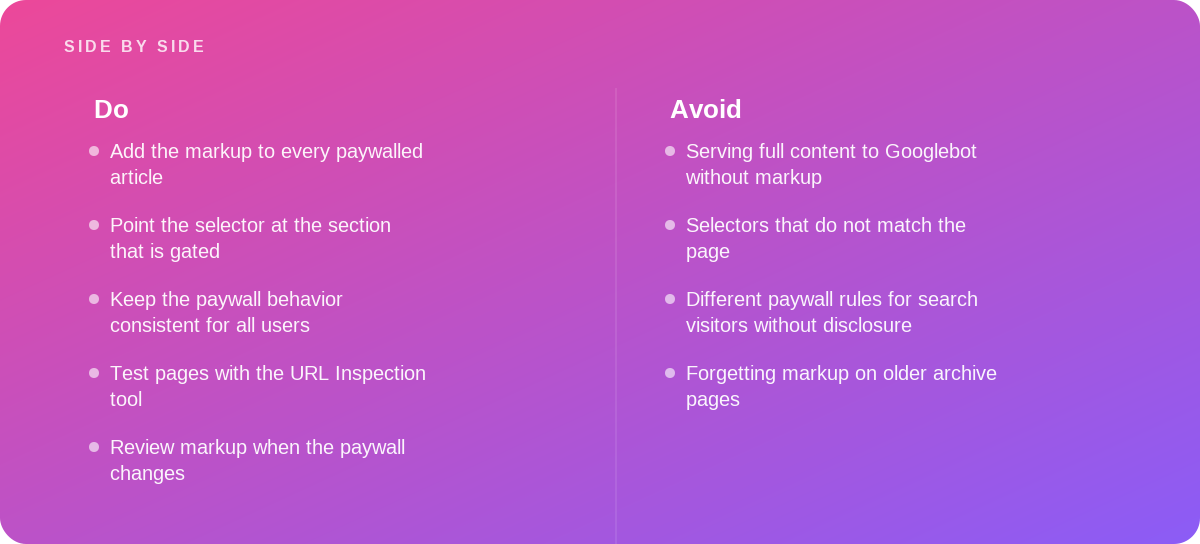
- Add the markup to every paywalled article
- Point the selector at the section that is gated
- Keep the paywall behavior consistent for all users
- Test pages with the URL Inspection tool
- Review markup when the paywall changes
Common pitfalls
Watch out for:
- Serving full content to Googlebot without markup
- Selectors that do not match the page
- Different paywall rules for search visitors without disclosure
- Forgetting markup on older archive pages
When to call in a specialist
Bottom line Bring in help when launching a subscription model, or when paywalled pages drop in search.
Where this comes from
- Google Search Central — Subscription and paywalled content
- Google Search Central — Spam policies for Google web search
The figures and practices above come from the sources listed.
Working on something like this?
We take on SEO Services work for teams who want it done once, properly. Tell us what you are building and we will tell you honestly whether we are the right studio for it. Start a project.
Where to go next
Spotted something wrong? Report an error on this page. We correct on the page and say what changed.