Media Processing Pipelines, Done Properly
Systems that process uploaded images, video and documents into the formats an application needs.
 MediaScaleUp Editorial Team

Where most projects go wrong
The usual mistakes:
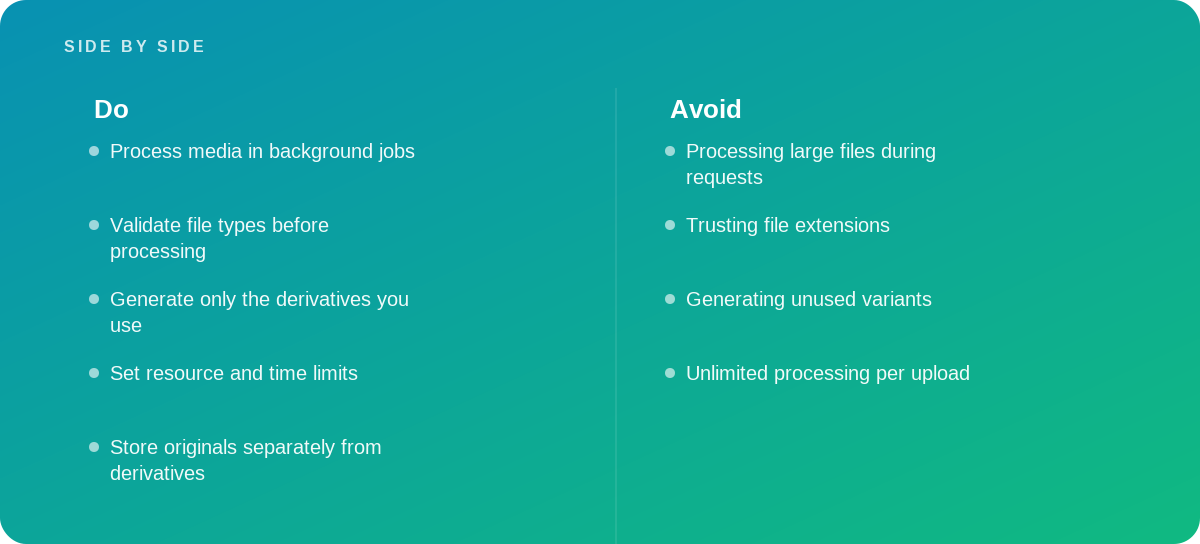
- Processing large files during requests
- Trusting file extensions
- Generating unused variants
- Unlimited processing per upload
What good looks like instead
- Process media in background jobs
- Validate file types before processing
- Generate only the derivatives you use
- Set resource and time limits
- Store originals separately from derivatives
Why it matters
Processing during a web request blocks users and times out, while uncontrolled processing becomes a cost and security risk.
The specs that matter
| Measure | Figure |
|---|---|
| Background processing | keeps uploads responsive |
| Validation | uploaded files must be checked before processing |
| Derivatives | multiple sizes and formats are generated per asset |
| Resource limits | processing is CPU and memory intensive |
Knowing when to hand it over
Tip: Bring in help when user uploads drive infrastructure cost.
Where this comes from
- OWASP — File Upload Cheat Sheet
- Laravel Documentation — Queues
The figures and practices above come from the sources listed.
Working on something like this?
We take on Web Design & Development work for teams who want it done once, properly. Tell us what you are building and we will tell you honestly whether we are the right studio for it. Start a project.
Where to go next
Spotted something wrong? Report an error on this page. We correct on the page and say what changed.







