Keyboard Traps: The Decisions That Matter
Situations where keyboard focus enters a component, such as an embedded player, widget or modal, and cannot move out using the keyboard.
 MediaScaleUp Editorial Team

Why does it matter?
A keyboard trap stops keyboard users completely, since they cannot reach the rest of the page, and WCAG treats it as a level A failure.
What are the numbers?
- WCAG 2.1.2 No Keyboard Trap, A focus can be moved away from any component using the keyboard
- Common sources embedded third-party widgets, media players and poorly built modals
- Non-standard exits if more than Tab or arrow keys are needed, users must be told how
- Modal dialogs should contain focus while open but release it when closed
What should I do?
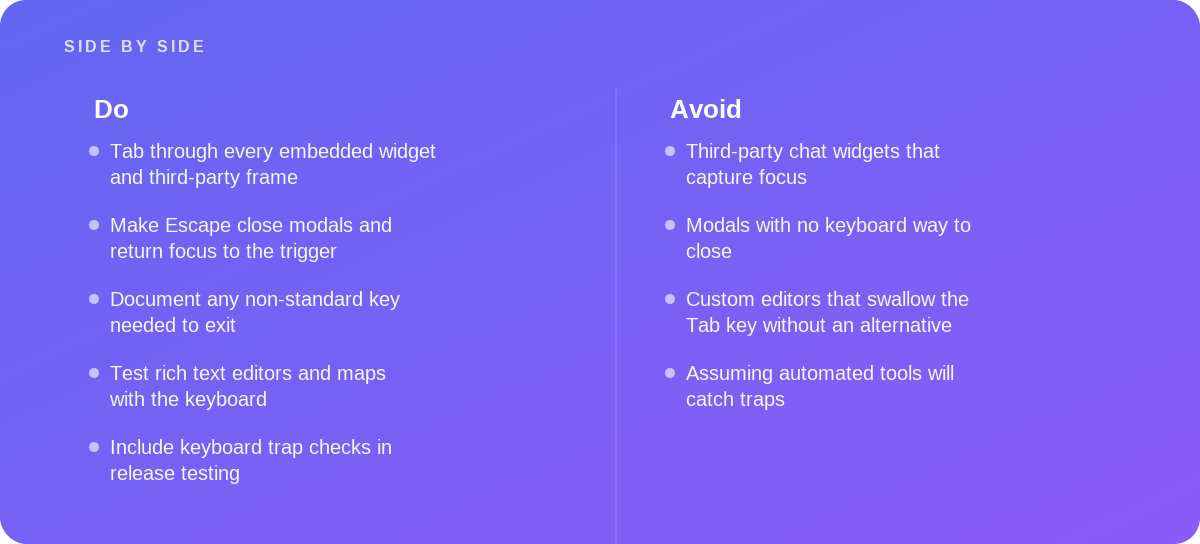
- Tab through every embedded widget and third-party frame
- Make Escape close modals and return focus to the trigger
- Document any non-standard key needed to exit
- Test rich text editors and maps with the keyboard
- Include keyboard trap checks in release testing
What should I avoid?
Avoid:
- Third-party chat widgets that capture focus
- Modals with no keyboard way to close
- Custom editors that swallow the Tab key without an alternative
- Assuming automated tools will catch traps
When should I get help?
Short answer Bring in help when embedding third-party tools, or when keyboard users report being stuck on a page.
Where this comes from
- W3C Web Accessibility Initiative — Understanding SC 2.1.2 No Keyboard Trap
- W3C ARIA Authoring Practices Guide — Dialog (Modal) pattern
The figures and practices above come from the sources listed.
Working on something like this?
We take on Performance & Accessibility work for teams who want it done once, properly. Tell us what you are building and we will tell you honestly whether we are the right studio for it. Start a project.
Where to go next
Spotted something wrong? Report an error on this page. We correct on the page and say what changed.