How to Get Single-Key Keyboard Shortcuts Right
Keyboard shortcuts that use a single letter, number or symbol key, such as pressing J for next item, without a modifier like Ctrl or Alt.
 MediaScaleUp Editorial Team

At a glance
- WCAG 2.1.4 Character Key Shortcuts, A single-character shortcuts can be turned off, remapped, or only active when the component has focus
- Who is affected speech input users and people who press keys accidentally
- Safe alternative shortcuts that require a modifier key
- Focus exception shortcuts active only while a specific component is focused are allowed
Why it matters
Why it matters: Speech input users can trigger single-key shortcuts accidentally while dictating, so WCAG requires a way to turn them off or remap them at level A.
Best practice
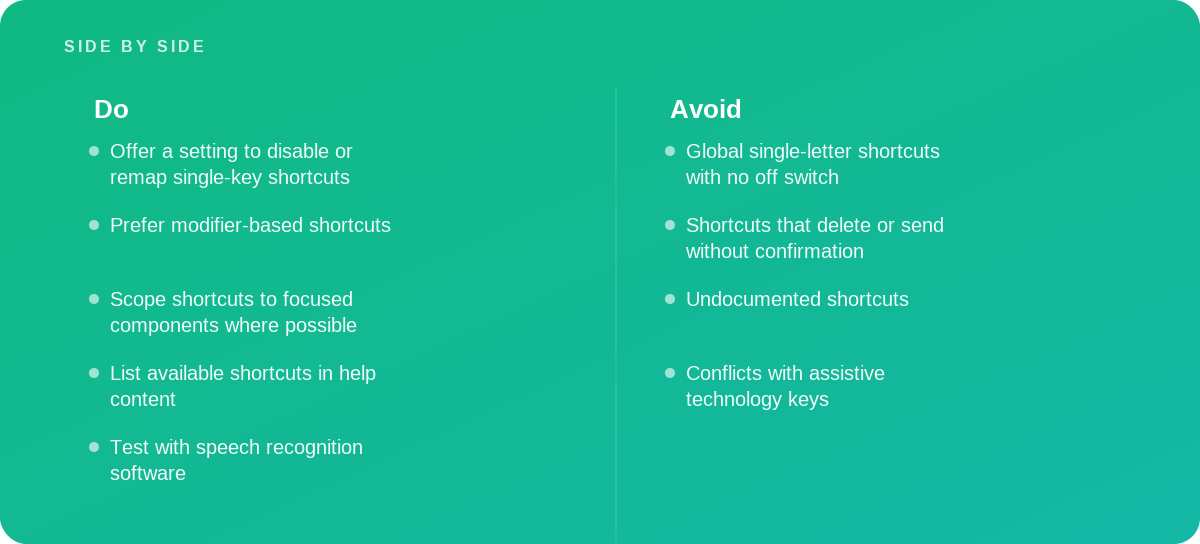
- Offer a setting to disable or remap single-key shortcuts
- Prefer modifier-based shortcuts
- Scope shortcuts to focused components where possible
- List available shortcuts in help content
- Test with speech recognition software
Common pitfalls
Watch out for:
- Global single-letter shortcuts with no off switch
- Shortcuts that delete or send without confirmation
- Undocumented shortcuts
- Conflicts with assistive technology keys
When to call in a specialist
Bottom line Bring in help when building productivity tools, email clients or editors with keyboard shortcuts.
Where this comes from
- W3C Web Accessibility Initiative — Understanding SC 2.1.4 Character Key Shortcuts
- W3C ARIA Authoring Practices Guide — Developing a keyboard interface
The figures and practices above come from the sources listed.
Working on something like this?
We take on Performance & Accessibility work for teams who want it done once, properly. Tell us what you are building and we will tell you honestly whether we are the right studio for it. Start a project.
Where to go next
Spotted something wrong? Report an error on this page. We correct on the page and say what changed.









