Input Masks and Formatting, Done Properly
Formatting that is applied as users type, such as spacing card numbers or adding dashes to phone numbers.
 MediaScaleUp Editorial Team

At a glance
- Pasting masks can reject pasted values
- Autofill browser autofill may conflict with masks
- Announcements changing content while typing can confuse screen readers
- Formats international formats vary widely
Why it matters
Why it matters: Masks can help readability, but they frequently break pasting, autofill and screen reader announcements.
Best practice
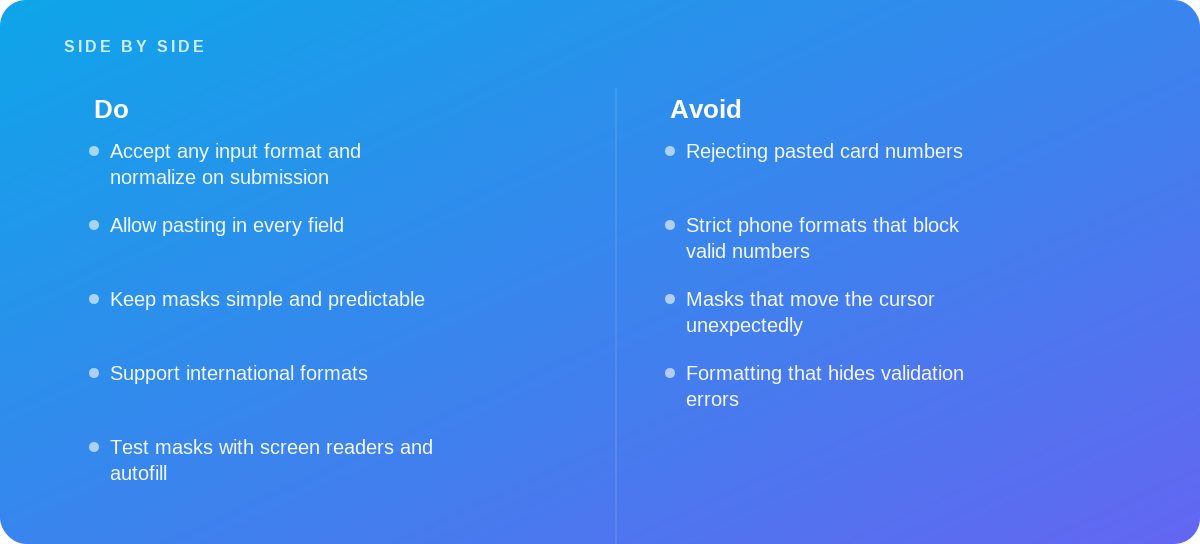
- Accept any input format and normalize on submission
- Allow pasting in every field
- Keep masks simple and predictable
- Support international formats
- Test masks with screen readers and autofill
Common pitfalls
Watch out for:
- Rejecting pasted card numbers
- Strict phone formats that block valid numbers
- Masks that move the cursor unexpectedly
- Formatting that hides validation errors
When to call in a specialist
Bottom line Bring in help when payment or contact forms lose users.
Where this comes from
- Baymard Institute — Checkout usability research
- MDN Web Docs — The autocomplete attribute
The figures and practices above come from the sources listed.
Working on something like this?
We take on Performance & Accessibility work for teams who want it done once, properly. Tell us what you are building and we will tell you honestly whether we are the right studio for it. Start a project.
Where to go next
Spotted something wrong? Report an error on this page. We correct on the page and say what changed.











