A Practical Guide to Switch Access and Alternative Input
Input methods such as switches, head pointers and sip-and-puff devices used by people with limited mobility.
 MediaScaleUp Editorial Team

Why does it matter?
These devices usually work through keyboard-equivalent input, so keyboard accessibility is what makes them work.
What are the numbers?
- Scanning switch users move through elements in sequence
- Keyboard equivalence most alternative inputs emulate keyboard or pointer input
- Timing scanning takes time, so time limits cause problems
- Target size larger targets reduce effort for pointer devices
What should I do?
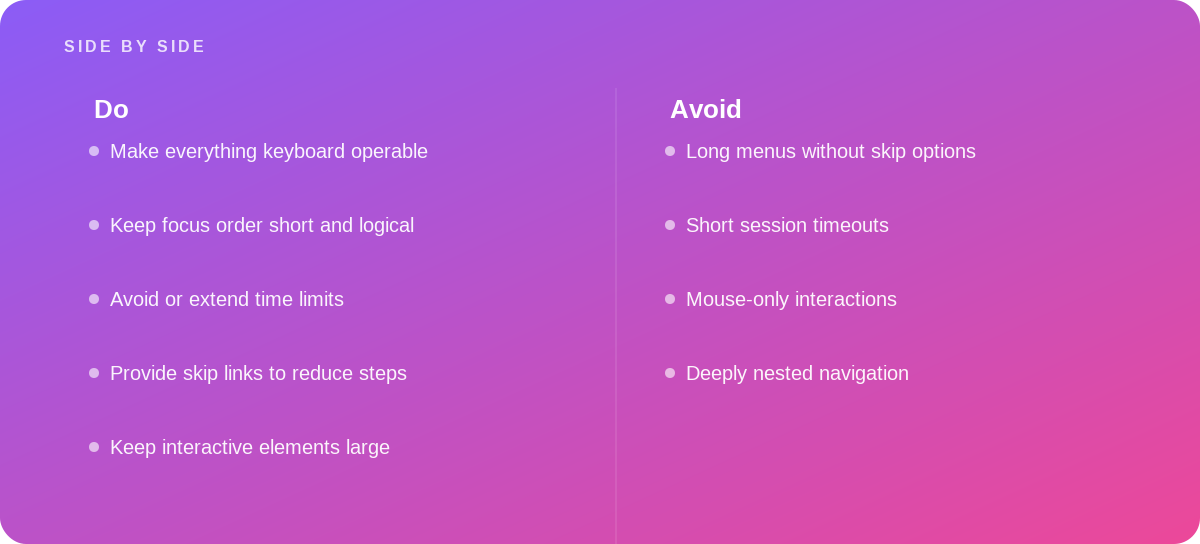
- Make everything keyboard operable
- Keep focus order short and logical
- Avoid or extend time limits
- Provide skip links to reduce steps
- Keep interactive elements large
What should I avoid?
Avoid:
- Long menus without skip options
- Short session timeouts
- Mouse-only interactions
- Deeply nested navigation
When should I get help?
Short answer Bring in help when serving users with motor disabilities.
Where this comes from
- W3C Web Accessibility Initiative — Diverse abilities and barriers
- Apple Human Interface Guidelines — Accessibility
The figures and practices above come from the sources listed.
Working on something like this?
We take on Performance & Accessibility work for teams who want it done once, properly. Tell us what you are building and we will tell you honestly whether we are the right studio for it. Start a project.
Where to go next
Spotted something wrong? Report an error on this page. We correct on the page and say what changed.










