Pointer Gestures and Alternatives: What Actually Works
Making sure any action that uses multipoint or path-based gestures, such as pinch, two-finger swipe or drawing a shape, can also be done with a single tap or click.
 MediaScaleUp Editorial Team

What is at stake
People using a head pointer, mouth stick or one finger cannot perform complex gestures, and WCAG requires single-pointer alternatives at level A.
The playbook
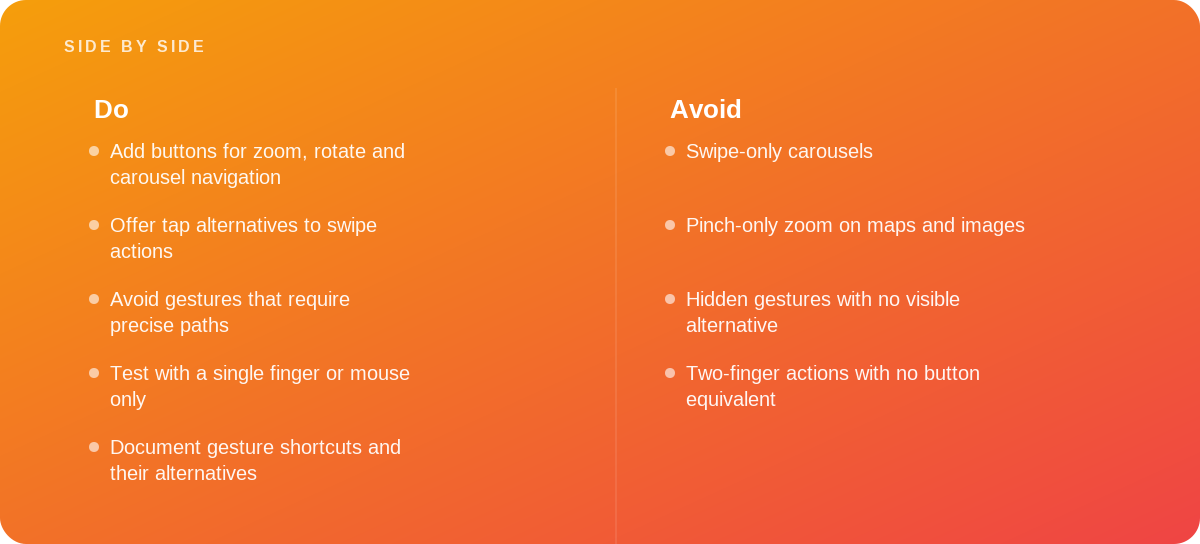
- Add buttons for zoom, rotate and carousel navigation
- Offer tap alternatives to swipe actions
- Avoid gestures that require precise paths
- Test with a single finger or mouse only
- Document gesture shortcuts and their alternatives
Where it goes wrong
Avoid:
- Swipe-only carousels
- Pinch-only zoom on maps and images
- Hidden gestures with no visible alternative
- Two-finger actions with no button equivalent
The numbers behind it
| Measure | Figure |
|---|---|
| WCAG 2.5.1 Pointer Gestures, A | multipoint or path-based gestures have a single-pointer alternative |
| Examples | pinch zoom on a map also needs plus and minus buttons |
| Exception | gestures that are essential, such as drawing a signature |
| Browser gestures | operating system and browser gestures are not covered |
Getting outside help
When to hand it over: Bring in help when building maps, image viewers or touch-heavy apps, or when designing gesture-based navigation.
Where this comes from
- W3C Web Accessibility Initiative — Understanding SC 2.5.1 Pointer Gestures
- Apple Human Interface Guidelines — Gestures
The figures and practices above come from the sources listed.
Working on something like this?
We take on Performance & Accessibility work for teams who want it done once, properly. Tell us what you are building and we will tell you honestly whether we are the right studio for it. Start a project.
Where to go next
Spotted something wrong? Report an error on this page. We correct on the page and say what changed.









