Headings and Labels, Done Properly
Writing headings that describe the content below them and labels that describe what form fields and controls are for.
 MediaScaleUp Editorial Team

At a glance
- WCAG 2.4.6 Headings and Labels, AA headings and labels describe topic or purpose
- WCAG 1.3.1, A headings must also be marked up as headings
- Screen reader navigation users commonly move through pages by headings
- Heading levels should reflect the structure of the content
Why it matters
Why it matters: Screen reader users jump between headings to navigate, and vague headings or labels make that navigation useless, so WCAG requires them to be descriptive at level AA.
Best practice
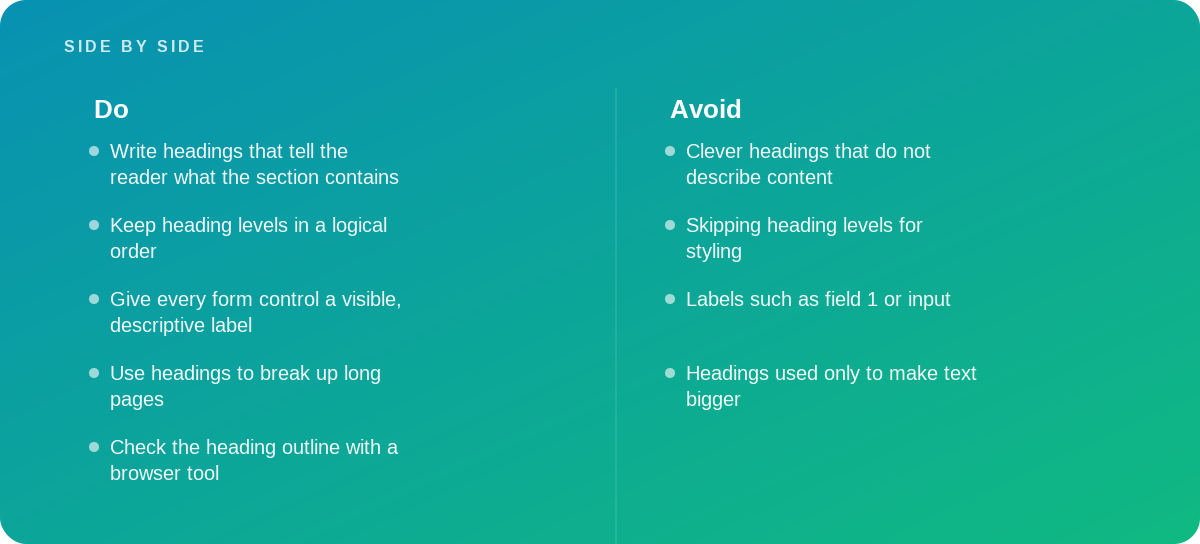
- Write headings that tell the reader what the section contains
- Keep heading levels in a logical order
- Give every form control a visible, descriptive label
- Use headings to break up long pages
- Check the heading outline with a browser tool
Common pitfalls
Watch out for:
- Clever headings that do not describe content
- Skipping heading levels for styling
- Labels such as field 1 or input
- Headings used only to make text bigger
When to call in a specialist
Bottom line Bring in help when content templates produce inconsistent heading structures, or when forms use vague labels.
Where this comes from
- W3C Web Accessibility Initiative — Understanding SC 2.4.6 Headings and Labels
- W3C Web Accessibility Initiative — Headings tutorial
The figures and practices above come from the sources listed.
Working on something like this?
We take on Performance & Accessibility work for teams who want it done once, properly. Tell us what you are building and we will tell you honestly whether we are the right studio for it. Start a project.
Where to go next
Spotted something wrong? Report an error on this page. We correct on the page and say what changed.










