How to Get Product Search Autocomplete Right
Suggestions that appear as shoppers type in a store's search box, including query suggestions, categories and products.
 MediaScaleUp Editorial Team

At a glance
- Suggestion types queries, categories and products
- Typos tolerance for misspellings improves results
- Accessibility the combobox pattern defines keyboard and screen reader behavior
- Data search logs show popular and failing queries
Why it matters
Why it matters: Good autocomplete helps shoppers find products faster and correct spelling, while poor suggestions lead them astray.
Best practice
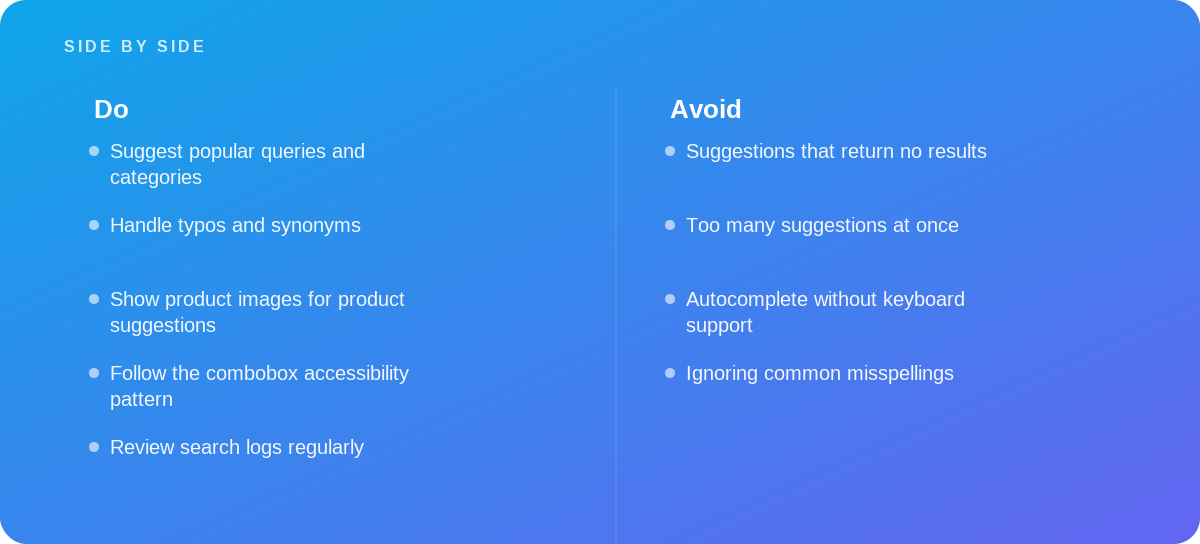
- Suggest popular queries and categories
- Handle typos and synonyms
- Show product images for product suggestions
- Follow the combobox accessibility pattern
- Review search logs regularly
Common pitfalls
Watch out for:
- Suggestions that return no results
- Too many suggestions at once
- Autocomplete without keyboard support
- Ignoring common misspellings
When to call in a specialist
Bottom line Bring in help when search conversion is low or zero-result searches are common.
Where this comes from
- Baymard Institute — E-commerce search UX research
- W3C ARIA Authoring Practices Guide — Combobox pattern
The figures and practices above come from the sources listed.
Working on something like this?
We take on E-commerce Development work for teams who want it done once, properly. Tell us what you are building and we will tell you honestly whether we are the right studio for it. Start a project.
Where to go next
Spotted something wrong? Report an error on this page. We correct on the page and say what changed.