How to Get Job Posting Structured Data Right
Markup for job listings that makes them eligible to appear in Google's job search experience, with title, location, salary and application details.
 MediaScaleUp Editorial Team

What is at stake
Job markup gives listings visibility in a dedicated search experience, and Google's guidelines are strict about expired or misleading postings.
The playbook
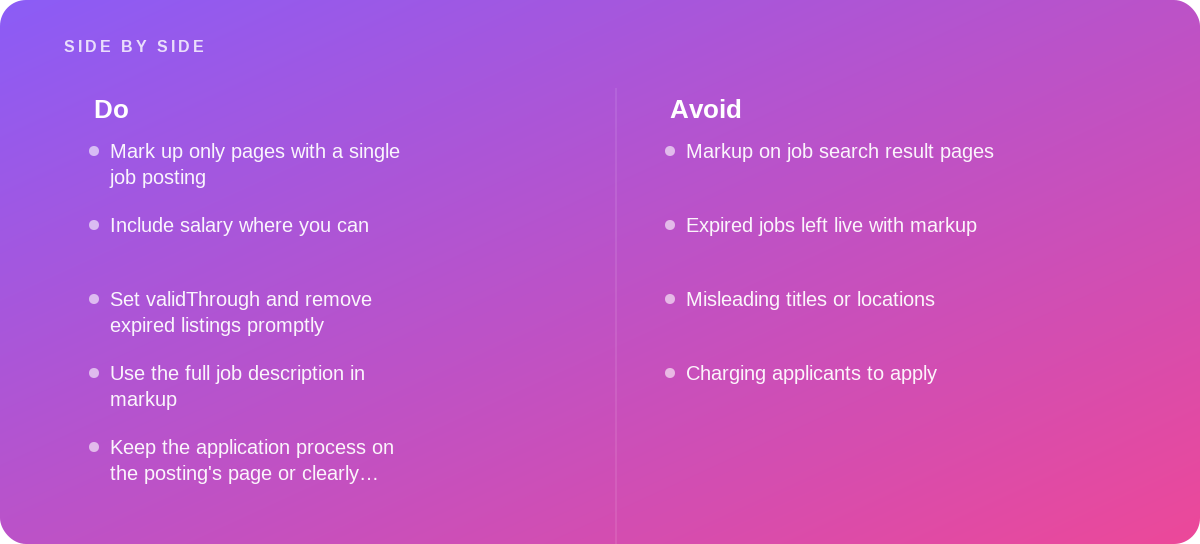
- Mark up only pages with a single job posting
- Include salary where you can
- Set validThrough and remove expired listings promptly
- Use the full job description in markup
- Keep the application process on the posting's page or clearly linked
Where it goes wrong
Avoid:
- Markup on job search result pages
- Expired jobs left live with markup
- Misleading titles or locations
- Charging applicants to apply
The numbers behind it
| Measure | Figure |
|---|---|
| Type | JobPosting |
| Required properties | datePosted, description, hiringOrganization, jobLocation and title |
| Remote jobs | use applicantLocationRequirements and jobLocationType |
| Expired jobs | must be removed or marked with validThrough |
| Indexing API | Google supports it for job posting pages |
Getting outside help
When to hand it over: Bring in help when running a careers site or job board, or when postings do not appear in Google's jobs experience.
Where this comes from
- Google Search Central — Job posting structured data
- Schema.org — JobPosting
The figures and practices above come from the sources listed.
Working on something like this?
We take on SEO Services work for teams who want it done once, properly. Tell us what you are building and we will tell you honestly whether we are the right studio for it. Start a project.
Where to go next
Spotted something wrong? Report an error on this page. We correct on the page and say what changed.