How to Get Video Structured Data Right
Markup that describes videos on a page, including title, description, thumbnail, upload date, duration and key moments, so search engines can find and show them.
 MediaScaleUp Editorial Team

What is at stake
It helps video pages appear in video results and features such as key moments, and it clarifies which video is the main content of a page.
The playbook
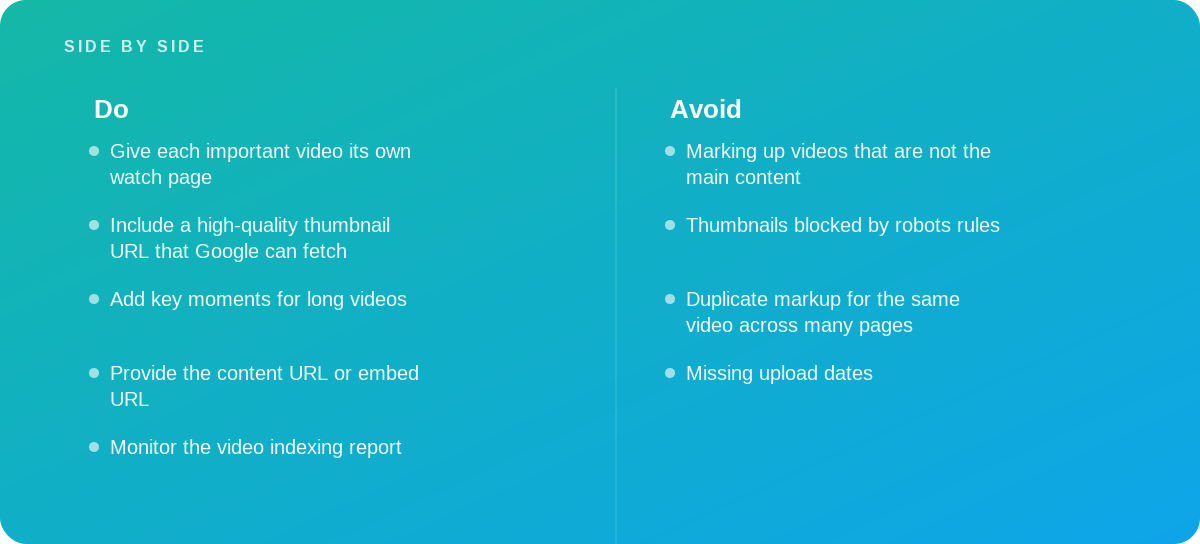
- Give each important video its own watch page
- Include a high-quality thumbnail URL that Google can fetch
- Add key moments for long videos
- Provide the content URL or embed URL
- Monitor the video indexing report
Where it goes wrong
Avoid:
- Marking up videos that are not the main content
- Thumbnails blocked by robots rules
- Duplicate markup for the same video across many pages
- Missing upload dates
The numbers behind it
| Measure | Figure |
|---|---|
| Type | VideoObject |
| Required properties | name, thumbnailUrl and uploadDate |
| Key moments | Clip or SeekToAction markup can identify segments |
| Video indexing report | Search Console reports which videos were indexed |
Getting outside help
When to hand it over: Bring in help when video pages are not indexed as videos, or when publishing a large video library.
Where this comes from
- Google Search Central — Video structured data
- Google Search Central — Video SEO best practices
The figures and practices above come from the sources listed.
Working on something like this?
We take on SEO Services work for teams who want it done once, properly. Tell us what you are building and we will tell you honestly whether we are the right studio for it. Start a project.
Where to go next
Spotted something wrong? Report an error on this page. We correct on the page and say what changed.