How to Get Interface Sound Design Right
Designing the short sounds that apps and devices make for alerts, confirmations and feedback.
 MediaScaleUp Editorial Team

Why does it matter?
Interface sounds can make products feel responsive, but careless sounds annoy people and ignore their device settings.
What are the numbers?
- Silent mode Apple advises respecting people's silent and volume settings
- Short sounds interface sounds are usually brief
- Accessibility sound should not be the only way to convey information
- Haptics can reinforce or replace sounds on mobile
What should I do?
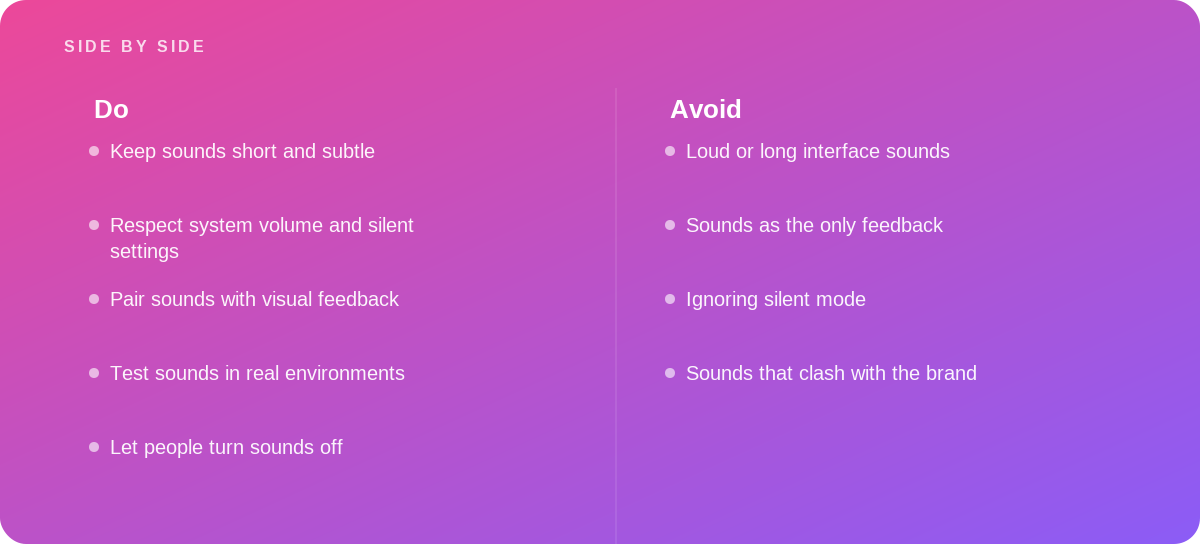
- Keep sounds short and subtle
- Respect system volume and silent settings
- Pair sounds with visual feedback
- Test sounds in real environments
- Let people turn sounds off
What should I avoid?
Avoid:
- Loud or long interface sounds
- Sounds as the only feedback
- Ignoring silent mode
- Sounds that clash with the brand
When should I get help?
Short answer Bring in help when designing sound for apps, kiosks or devices.
Where this comes from
- Apple Human Interface Guidelines — Playing audio
- Apple Human Interface Guidelines — Playing haptics
The figures and practices above come from the sources listed.
Working on something like this?
We take on Audio Editing & Production work for teams who want it done once, properly. Tell us what you are building and we will tell you honestly whether we are the right studio for it. Start a project.
Where to go next
Spotted something wrong? Report an error on this page. We correct on the page and say what changed.