How to Get Game Audio Implementation Right
Putting sound into games and interactive experiences so audio responds to player actions, locations and game states.
 MediaScaleUp Editorial Team
At a glance
- Unity uses AudioSource and AudioListener components
- Unreal Engine includes MetaSounds for procedural audio
- Middleware Wwise and FMOD are widely used audio engines
- Compression game engines compress audio to save memory
Why it matters
Why it matters: Game audio is not linear, and sounds must be triggered, varied and mixed in real time within memory and performance limits.
Best practice
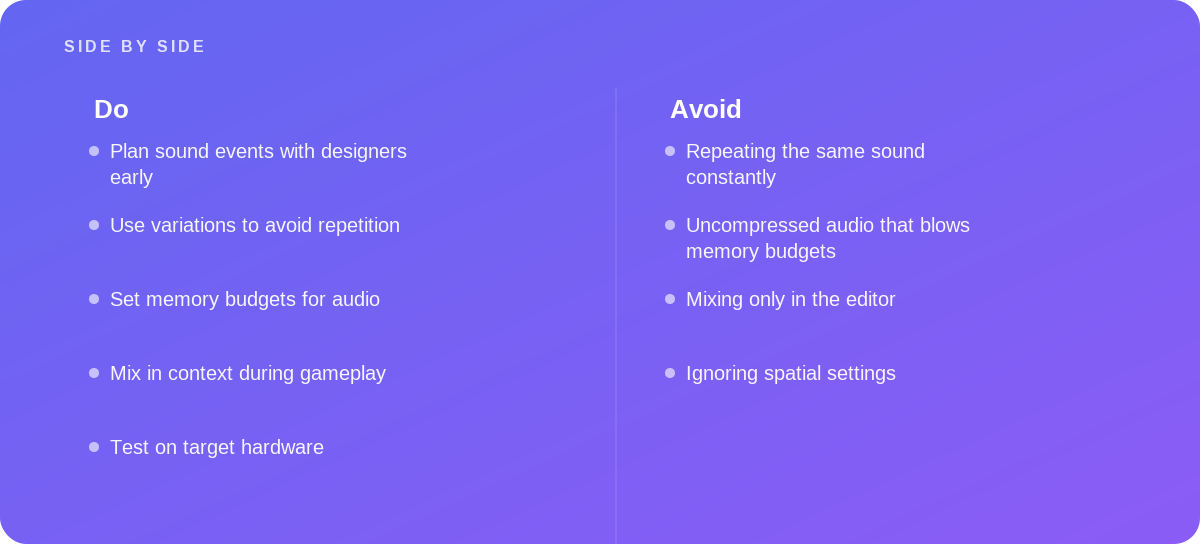
- Plan sound events with designers early
- Use variations to avoid repetition
- Set memory budgets for audio
- Mix in context during gameplay
- Test on target hardware
Common pitfalls
Watch out for:
- Repeating the same sound constantly
- Uncompressed audio that blows memory budgets
- Mixing only in the editor
- Ignoring spatial settings
When to call in a specialist
Bottom line Bring in help when interactive projects need adaptive audio.
Where this comes from
- Unity Documentation — Audio
- Unreal Engine Documentation — MetaSounds
The figures and practices above come from the sources listed.
Working on something like this?
We take on Audio Editing & Production work for teams who want it done once, properly. Tell us what you are building and we will tell you honestly whether we are the right studio for it. Start a project.
Where to go next
Spotted something wrong? Report an error on this page. We correct on the page and say what changed.