Google Merchant Center Setup, Done Properly
Setting up a Merchant Center account to supply product data to Google for shopping ads, free listings and other shopping experiences.
 MediaScaleUp Editorial Team

Where most projects go wrong
The usual mistakes:
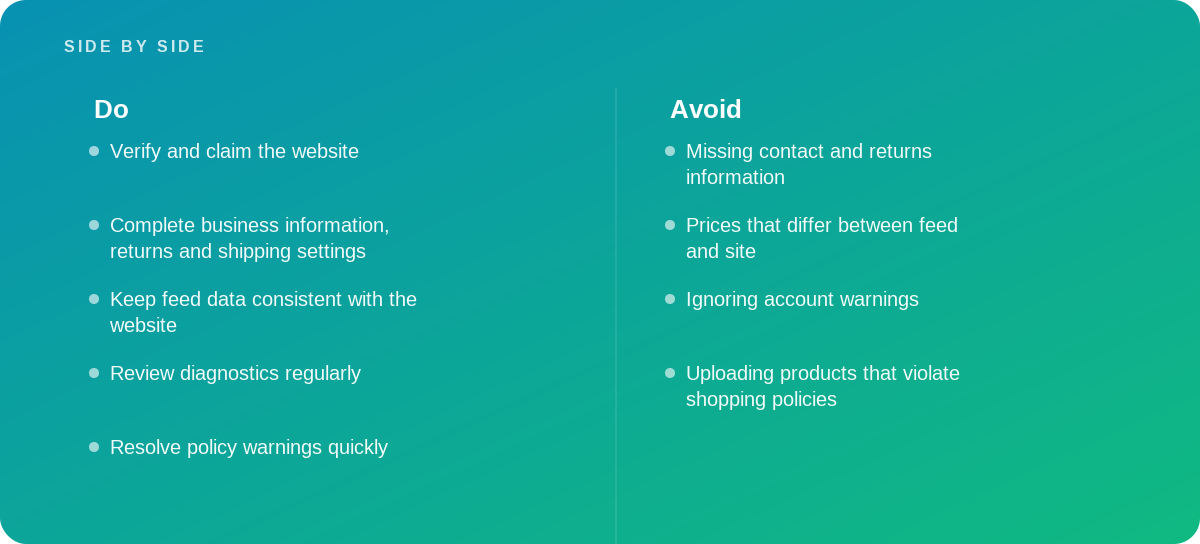
- Missing contact and returns information
- Prices that differ between feed and site
- Ignoring account warnings
- Uploading products that violate shopping policies
What good looks like instead
- Verify and claim the website
- Complete business information, returns and shipping settings
- Keep feed data consistent with the website
- Review diagnostics regularly
- Resolve policy warnings quickly
Why it matters
Merchant Center is how products appear across Google Shopping, and account-level problems such as misrepresentation can suspend every listing.
The specs that matter
| Measure | Figure |
|---|---|
| Uses | shopping ads, free listings and product appearances in Google surfaces |
| Verification | website verification and claiming are required |
| Policies | account-level policies such as misrepresentation apply |
| Data sources | feeds, API or automatic collection from the website |
Knowing when to hand it over
Tip: Bring in help when a Merchant Center account is suspended, or when products are not showing in Google Shopping.
Where this comes from
- Google Merchant Center Help — Get started with Merchant Center
- Google Merchant Center Help — Misrepresentation policy
The figures and practices above come from the sources listed.
Working on something like this?
We take on E-commerce Development work for teams who want it done once, properly. Tell us what you are building and we will tell you honestly whether we are the right studio for it. Start a project.
Where to go next
Spotted something wrong? Report an error on this page. We correct on the page and say what changed.