Skip to content
Image Editing & Retouching

Event Photo Batch Editing, Done Properly

Processing hundreds or thousands of event images quickly and consistently.

MediaScaleUp Editorial Team 2 min read 11 views
Event Photo Batch Editing, Done Properly

What is at stake

Event clients expect galleries within days, and manual editing does not scale to that volume.

The playbook

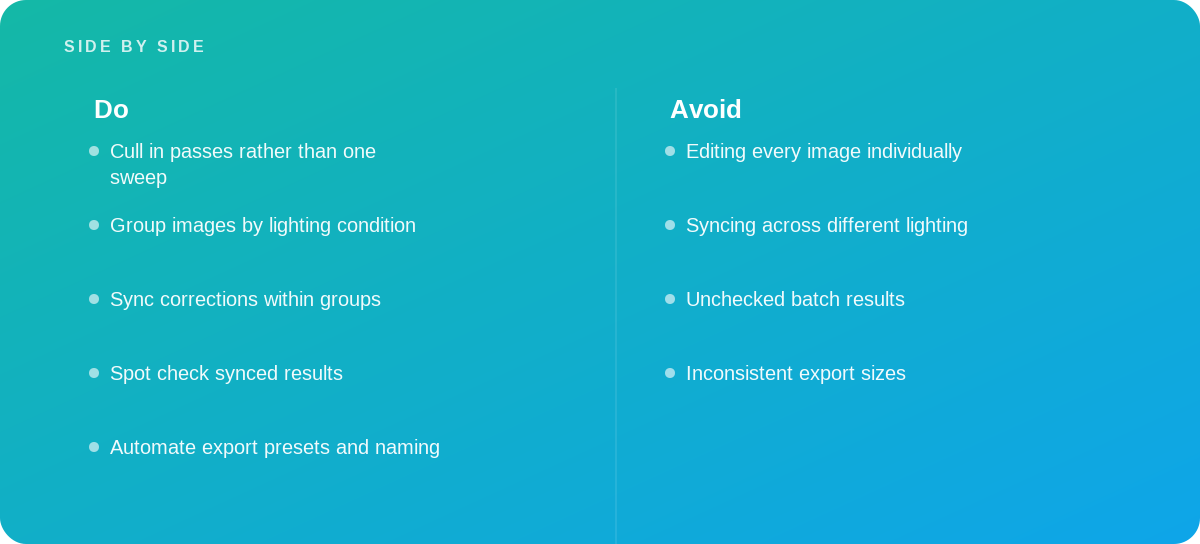
  1. Cull in passes rather than one sweep
  2. Group images by lighting condition
  3. Sync corrections within groups
  4. Spot check synced results
  5. Automate export presets and naming

Where it goes wrong

Avoid:

  • Editing every image individually
  • Syncing across different lighting
  • Unchecked batch results
  • Inconsistent export sizes
What to do and what to avoid with event photo batch editing, side by side
Good practice against the usual mistakes, from the sources listed below.

The numbers behind it

Published figures for Event Photo Batch Editing
MeasureFigure
Cullingselection takes as long as editing
Syncsettings can be applied across similar images
Mixed lightingvenues need grouped corrections
Deliverygalleries need consistent naming and sizing

Getting outside help

When to hand it over: Bring in help when event volumes exceed capacity.

Where this comes from

The figures and practices above come from the sources listed.

Working on something like this?

We take on Image Editing & Retouching work for teams who want it done once, properly. Tell us what you are building and we will tell you honestly whether we are the right studio for it. Start a project.

Where to go next

Spotted something wrong? Report an error on this page. We correct on the page and say what changed.
All services

The work behind this article, and what it costs.

See it in practice

All the work
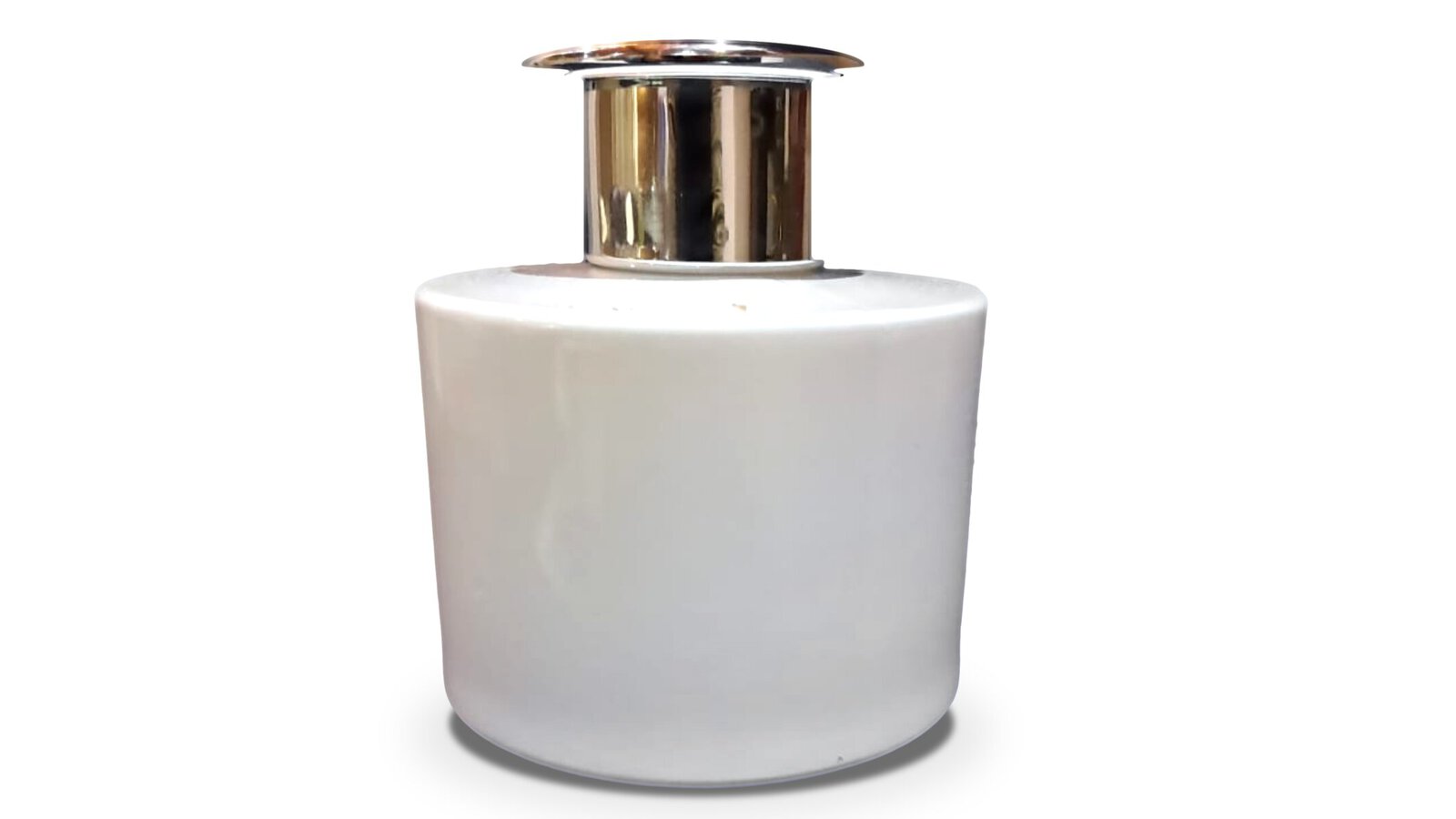
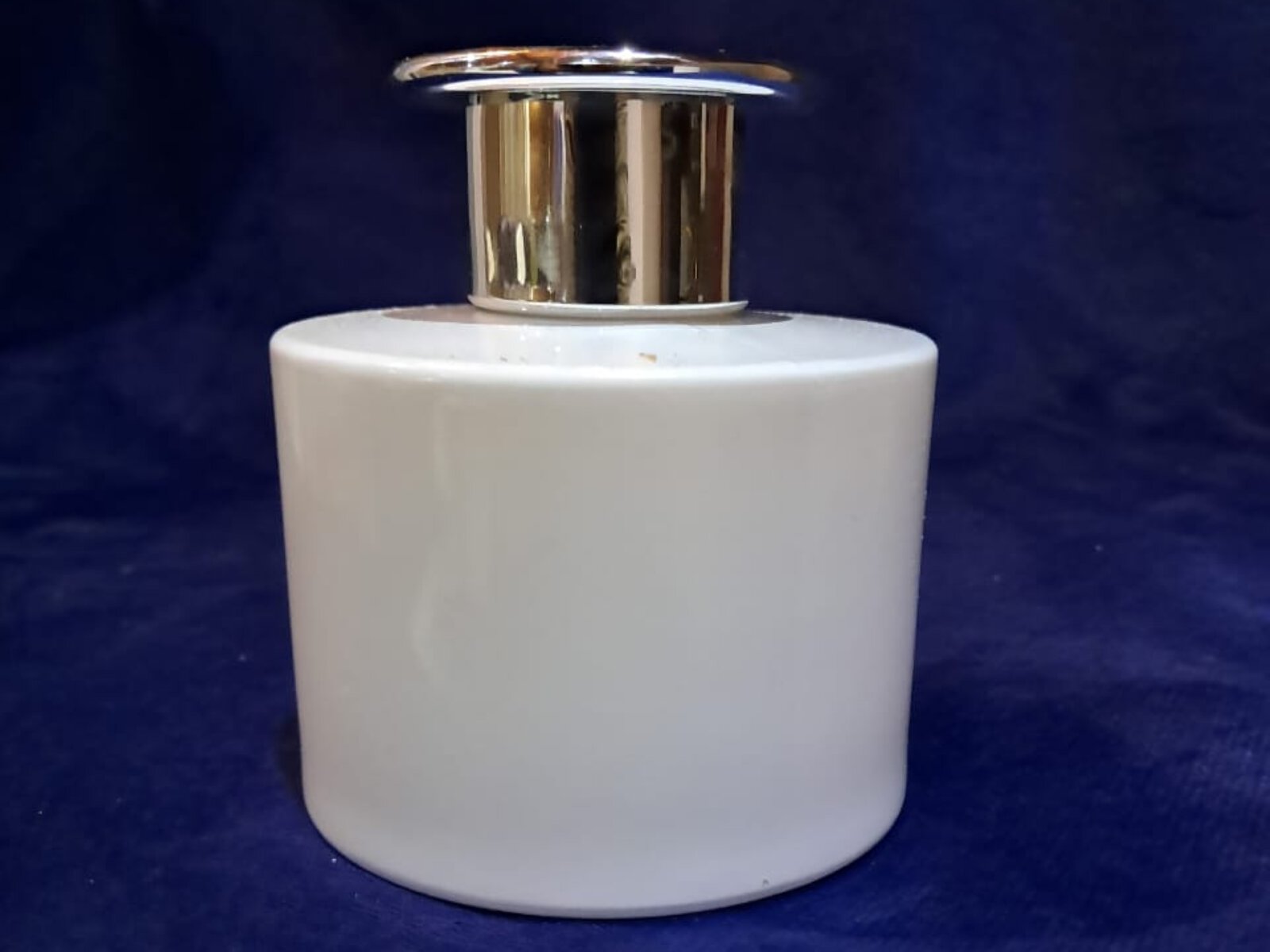
Before: White bottle with chrome cap, cut out onto pure white
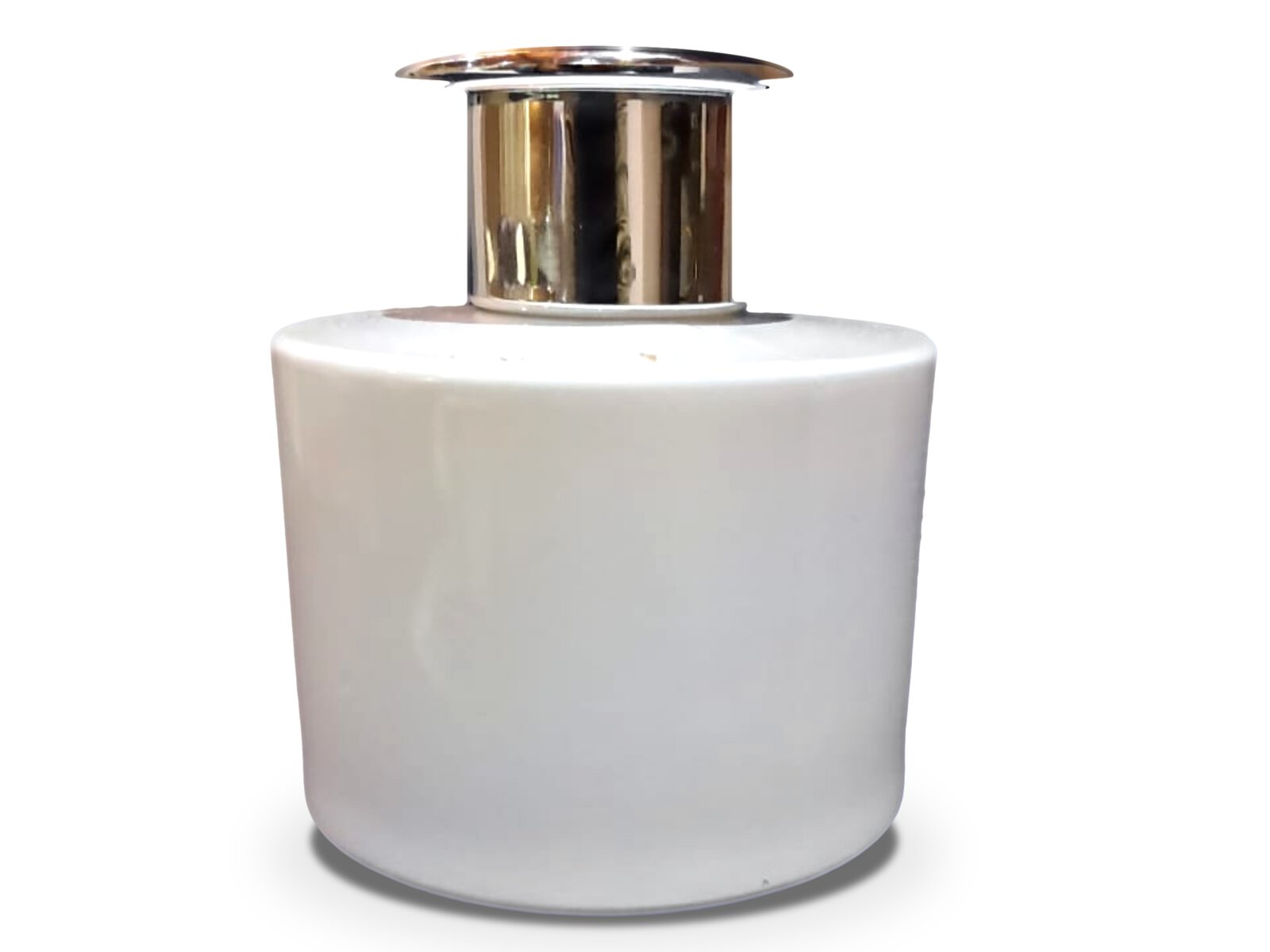
After: White bottle with chrome cap, cut out onto pure white
Original on blue velvet Clipped onto pure white with shadow

White bottle with chrome cap, cut out onto pure white

Clipping path and mask refinement, edge decontamination, contact shadow

Studio demo on a public-domain photo, not a client job

E-commerce & Products Home fragrance / e-commerce Same day

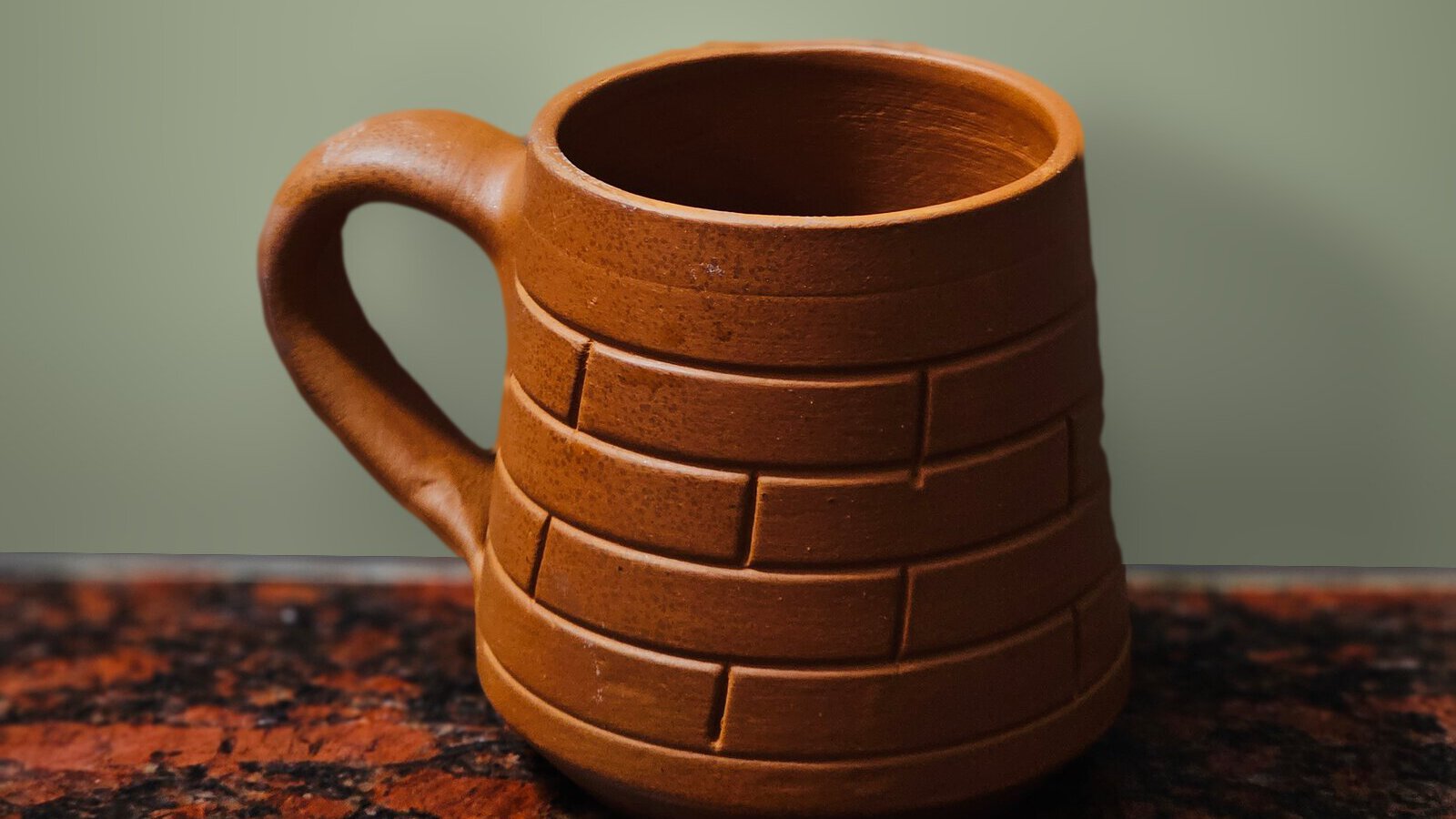
Before: Clay mug, wall swapped for a sage studio backdrop
After: Clay mug, wall swapped for a sage studio backdrop
Original gray wall New sage studio backdrop

Clay mug, wall swapped for a sage studio backdrop

Color-difference masking, background replacement, shadow transfer

Studio demo on a public-domain photo, not a client job

Background Change Handmade ceramics / e-commerce Same day

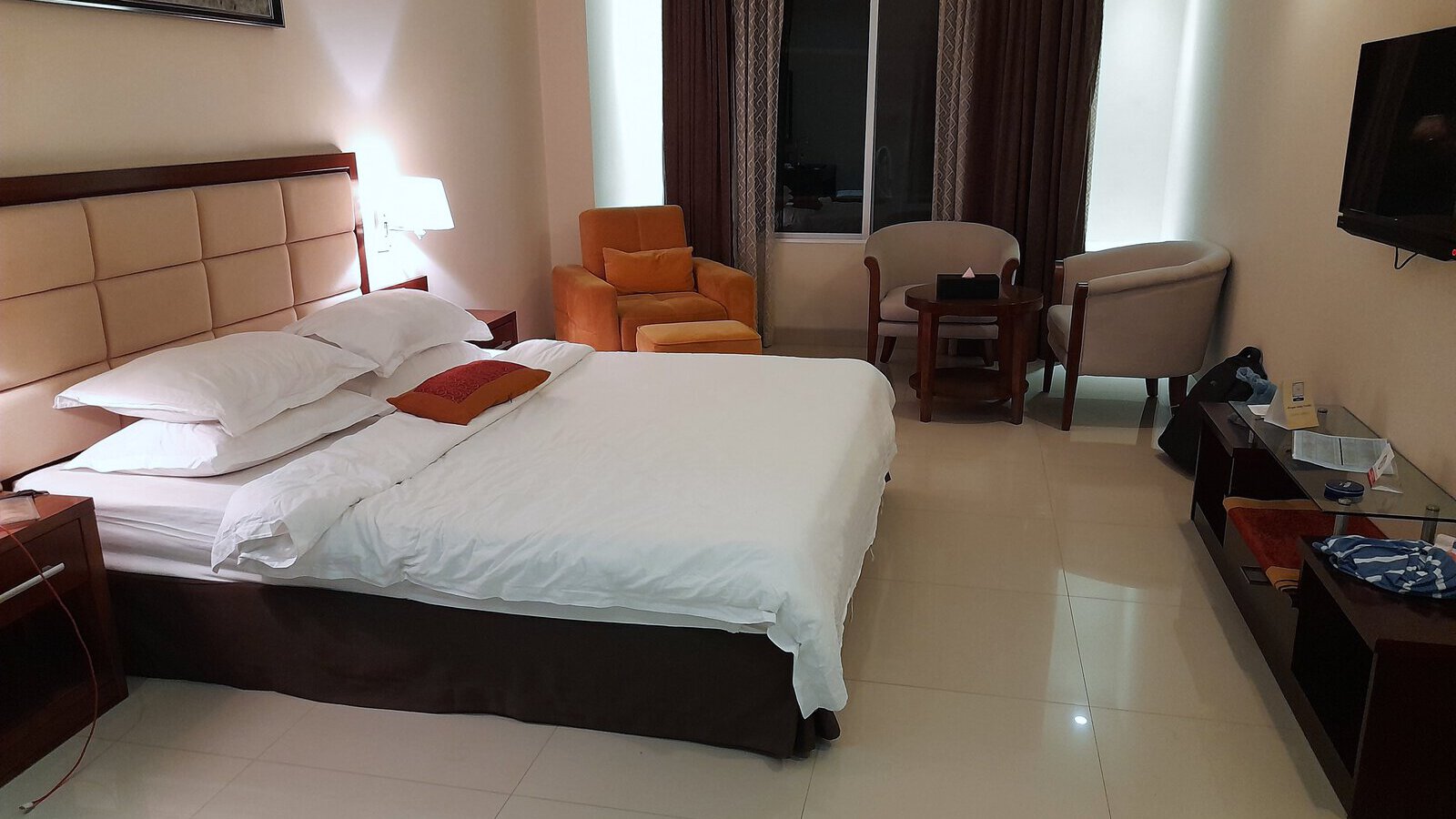
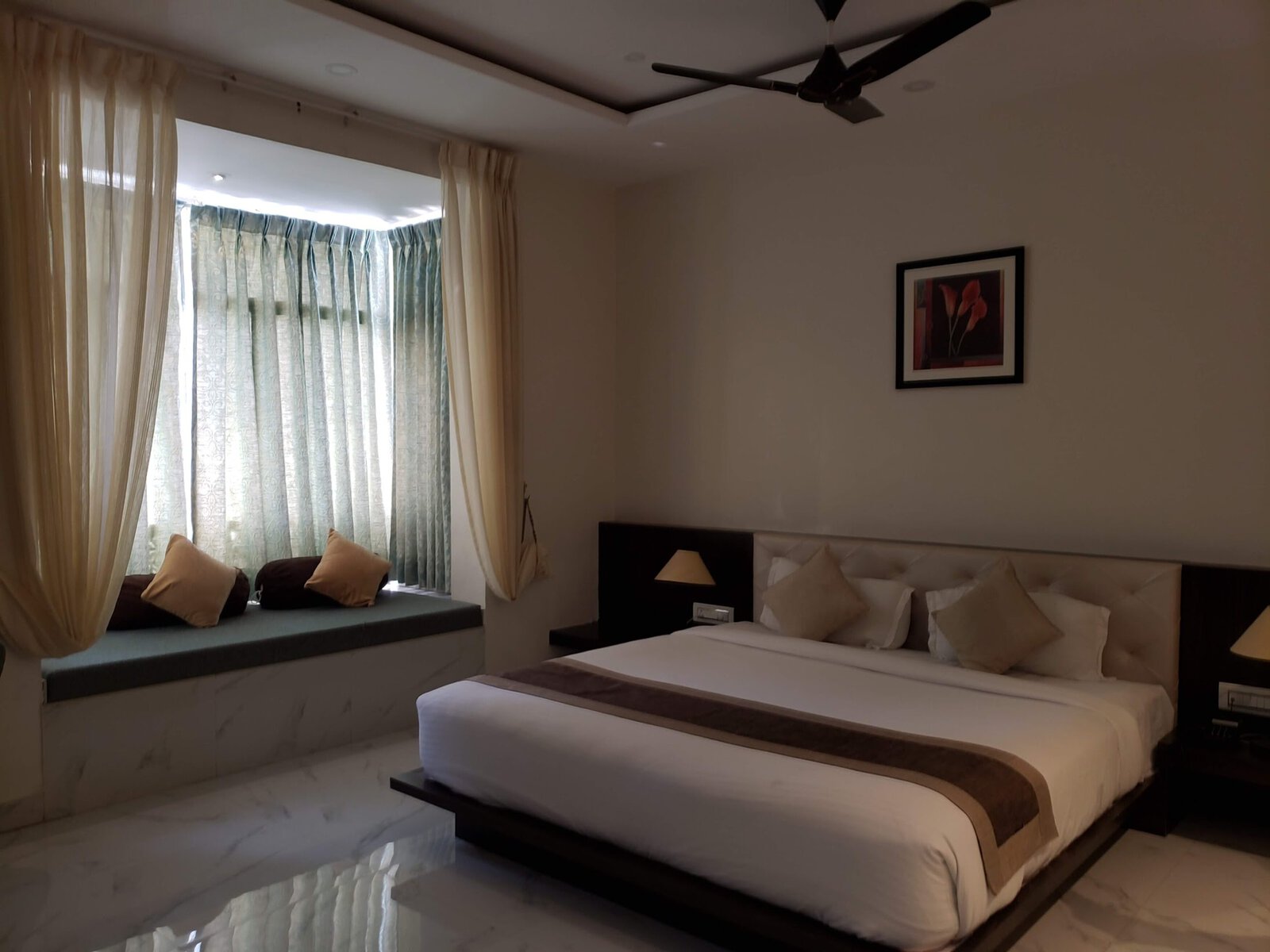
Before: Dim hotel bedroom, exposure and white balance fixed
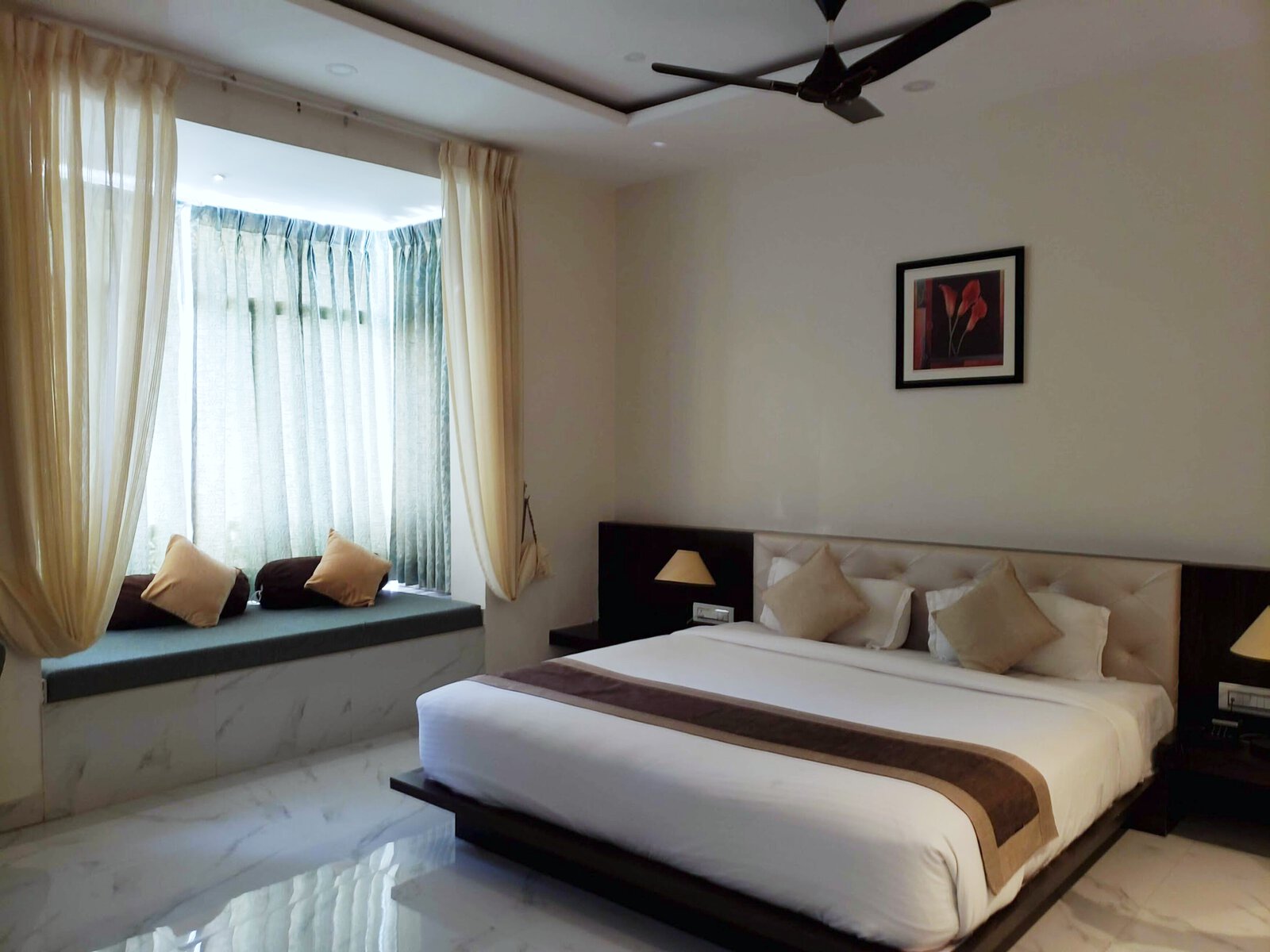
After: Dim hotel bedroom, exposure and white balance fixed
Original, dark and warm Corrected exposure and white balance

Dim hotel bedroom, exposure and white balance fixed

Linear-light white balance, highlight-protected exposure lift, sigmoidal contrast

Studio demo on a public-domain photo, not a client job

White Balance Correction Hospitality Same day

MediaScaleUp Editorial Team

Articles here are researched, written and checked by the MediaScaleUp studio team before they are published, and dated when they are reviewed.

Keep reading

More in Image Editing & Retouching