How to Get Planning Retouching Capacity Right
Matching retouching capacity to the volume of images a business produces.
 MediaScaleUp Editorial Team

What is at stake
Retouching is usually the bottleneck between shooting and publishing, and capacity planning prevents backlogs.
The playbook
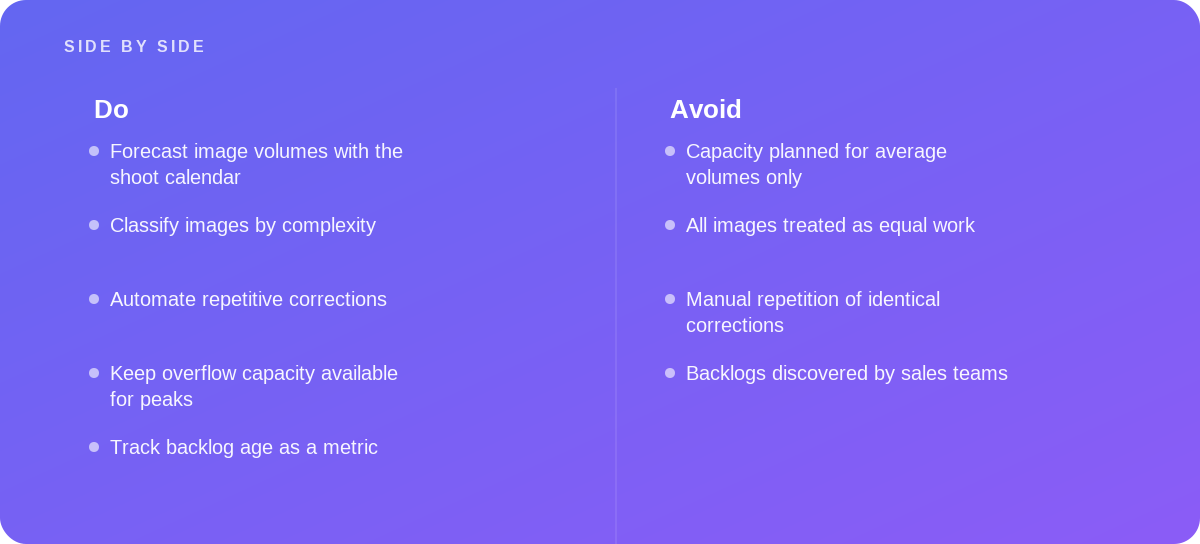
- Forecast image volumes with the shoot calendar
- Classify images by complexity
- Automate repetitive corrections
- Keep overflow capacity available for peaks
- Track backlog age as a metric
Where it goes wrong
Avoid:
- Capacity planned for average volumes only
- All images treated as equal work
- Manual repetition of identical corrections
- Backlogs discovered by sales teams
The numbers behind it
| Measure | Figure |
|---|---|
| Peaks | shoots produce images in bursts |
| Complexity | image types vary widely in editing time |
| Automation | batch processing handles repetitive work |
| Backlogs | delay revenue from new products |
Getting outside help
When to hand it over: Bring in help when images wait weeks after shoots.
Where this comes from
- Adobe Help Center — Lightroom Classic User Guide
- Microsoft Learn — Demand forecasting
The figures and practices above come from the sources listed.
Working on something like this?
We take on Image Editing & Retouching work for teams who want it done once, properly. Tell us what you are building and we will tell you honestly whether we are the right studio for it. Start a project.
Where to go next
Spotted something wrong? Report an error on this page. We correct on the page and say what changed.