Organizing Image Libraries by Product: The Decisions That Matter
Structuring stored images so they can be found by product, variant and usage.
 MediaScaleUp Editorial Team

Why does it matter?
Teams waste hours hunting for the right image, and the wrong version often gets published instead.
What are the numbers?
- Identifiers product codes anchor organization
- Variants colorways and configurations need distinction
- Usage images differ by channel and crop
- Search metadata makes libraries searchable
What should I do?
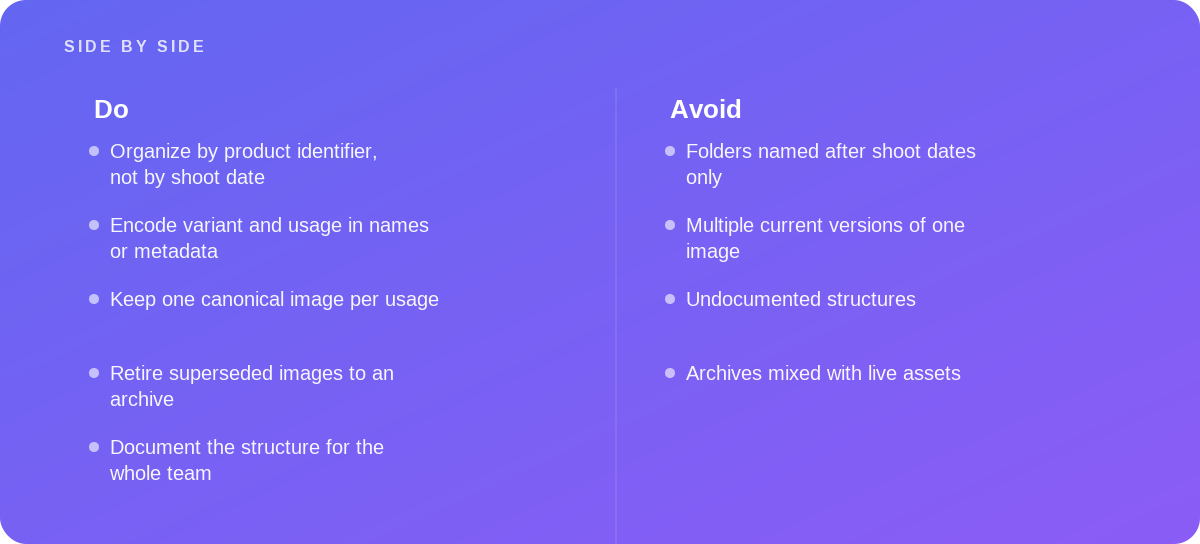
- Organize by product identifier, not by shoot date
- Encode variant and usage in names or metadata
- Keep one canonical image per usage
- Retire superseded images to an archive
- Document the structure for the whole team
What should I avoid?
Avoid:
- Folders named after shoot dates only
- Multiple current versions of one image
- Undocumented structures
- Archives mixed with live assets
When should I get help?
Short answer Bring in help when teams cannot find the right image.
Where this comes from
- IPTC — Photo Metadata Standard
- Shopify Help Center — Product media types
The figures and practices above come from the sources listed.
Working on something like this?
We take on Image Editing & Retouching work for teams who want it done once, properly. Tell us what you are building and we will tell you honestly whether we are the right studio for it. Start a project.
Where to go next
Spotted something wrong? Report an error on this page. We correct on the page and say what changed.