How to Get Image Editing for Social Ads Right
Preparing images for paid social placements, with their crops, text limits and platform rules.
 MediaScaleUp Editorial Team
Why does it matter?
Ad images are reviewed automatically, and format mistakes waste both creative time and campaign schedule.
What are the numbers?
- Placements each placement has its own aspect ratio
- Safe zones interface elements overlay parts of the image
- Text heavy text can affect delivery on some platforms
- Review ads pass automated policy review
What should I do?
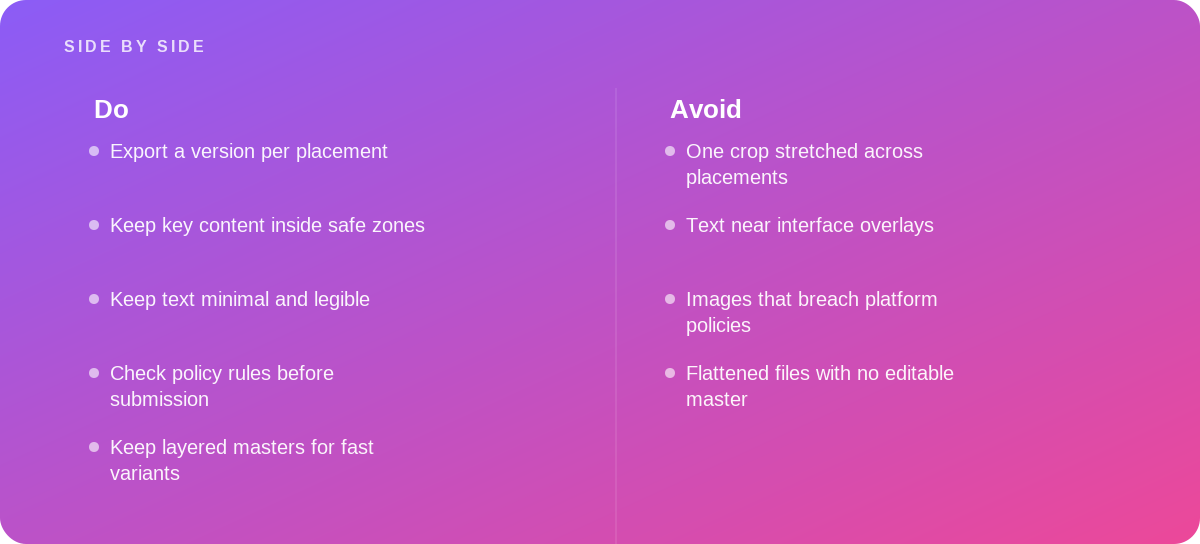
- Export a version per placement
- Keep key content inside safe zones
- Keep text minimal and legible
- Check policy rules before submission
- Keep layered masters for fast variants
What should I avoid?
Avoid:
- One crop stretched across placements
- Text near interface overlays
- Images that breach platform policies
- Flattened files with no editable master
When should I get help?
Short answer Bring in help when campaigns need many creative variants.
Where this comes from
- Meta Business Help Center — Meta Ads Guide
- Pinterest Business — Pinterest product specs
The figures and practices above come from the sources listed.
Working on something like this?
We take on Image Editing & Retouching work for teams who want it done once, properly. Tell us what you are building and we will tell you honestly whether we are the right studio for it. Start a project.
Where to go next
Spotted something wrong? Report an error on this page. We correct on the page and say what changed.