A Practical Guide to Image Editing for Marketplaces
Preparing product images that meet the specific rules of each marketplace.
 Imogen Clarke

Where most projects go wrong
The usual mistakes:
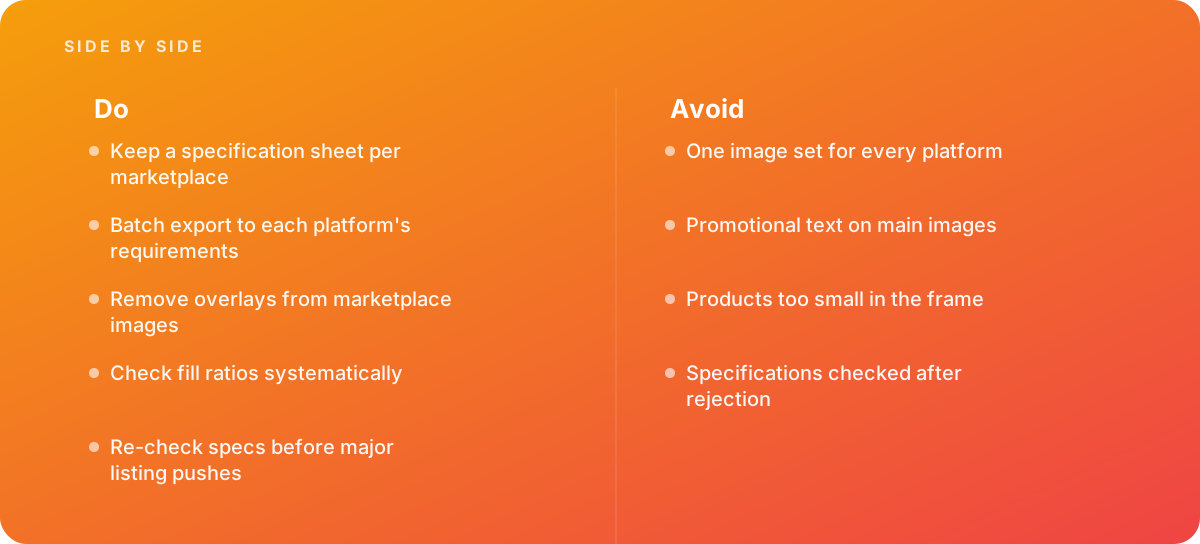
- One image set for every platform
- Promotional text on main images
- Products too small in the frame
- Specifications checked after rejection
What good looks like instead
- Keep a specification sheet per marketplace
- Batch export to each platform's requirements
- Remove overlays from marketplace images
- Check fill ratios systematically
- Re-check specs before major listing pushes
Why it matters
Marketplaces reject or suppress listings whose images break their rules, and each platform differs.
The specs that matter
| Measure | Figure |
|---|---|
| Background rules | platforms specify acceptable backgrounds |
| Overlays | promotional text and watermarks are often prohibited |
| Fill ratios | products must occupy a specified share of the frame |
| Image counts | platforms set minimum and maximum image numbers |
Knowing when to hand it over
Tip: Bring in help when selling across several marketplaces.
Where this comes from
- Google Merchant Center Help — Image link attribute
- Shopify Help Center — Product media types
The figures and practices above come from the sources listed.
Working on something like this?
We take on Image Editing & Retouching work for teams who want it done once, properly. Tell us what you are building and we will tell you honestly whether we are the right studio for it. Start a project.
Where to go next
Spotted something wrong? Report an error on this page. We correct on the page and say what changed.