A Practical Guide to Name and Address Fields for Global Users
Designing forms that accept the variety of real names and addresses around the world.
 MediaScaleUp Editorial Team
What is at stake
Forms built around one country's conventions reject valid names and addresses, blocking real customers.
The playbook
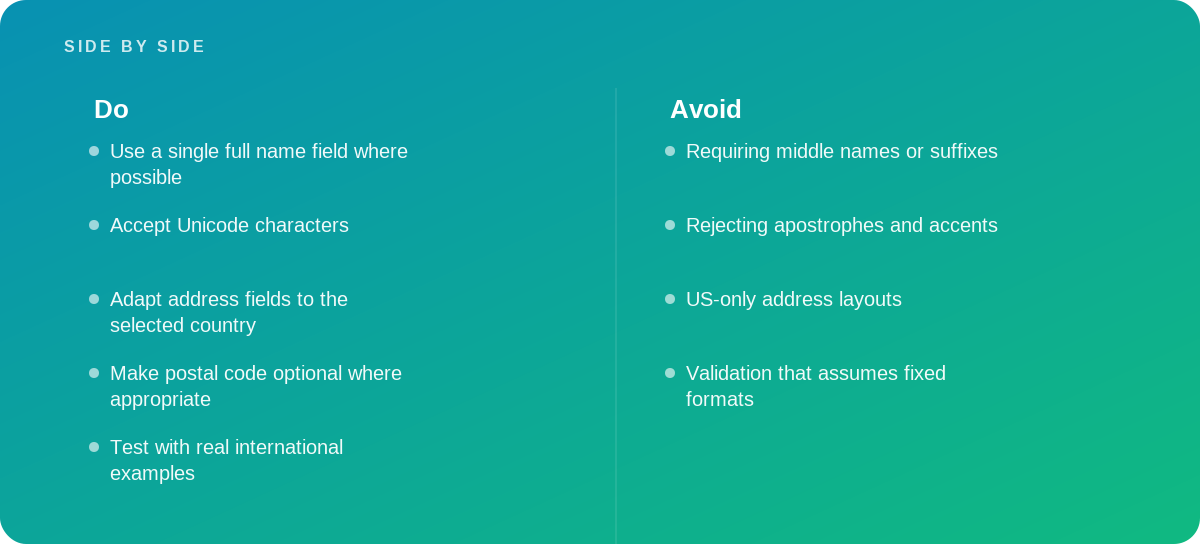
- Use a single full name field where possible
- Accept Unicode characters
- Adapt address fields to the selected country
- Make postal code optional where appropriate
- Test with real international examples
Where it goes wrong
Avoid:
- Requiring middle names or suffixes
- Rejecting apostrophes and accents
- US-only address layouts
- Validation that assumes fixed formats
The numbers behind it
| Measure | Figure |
|---|---|
| Name structures | not everyone has a first and last name in that order |
| Character sets | names include accents and non-Latin scripts |
| Address formats | field order and required elements vary by country |
| Postal codes | some countries do not use them |
Getting outside help
When to hand it over: Bring in help when serving international customers.
Where this comes from
- W3C — Personal names around the world
- USPS Postal Explorer — Postal Addressing Standards
The figures and practices above come from the sources listed.
Working on something like this?
We take on UI & UX Design work for teams who want it done once, properly. Tell us what you are building and we will tell you honestly whether we are the right studio for it. Start a project.
Where to go next
Spotted something wrong? Report an error on this page. We correct on the page and say what changed.