Video File Storage Planning, Done Properly
Planning storage for production media, from camera originals to project files and archives.
 MediaScaleUp Editorial Team

At a glance
- Capture sizes high-resolution formats consume space quickly
- Working storage needs speed as well as capacity
- Archives finished projects still need retaining
- Backups large media makes backup strategy harder
Why it matters
Why it matters: Video consumes storage faster than any other asset type, and running out mid-project stops everything.
Best practice
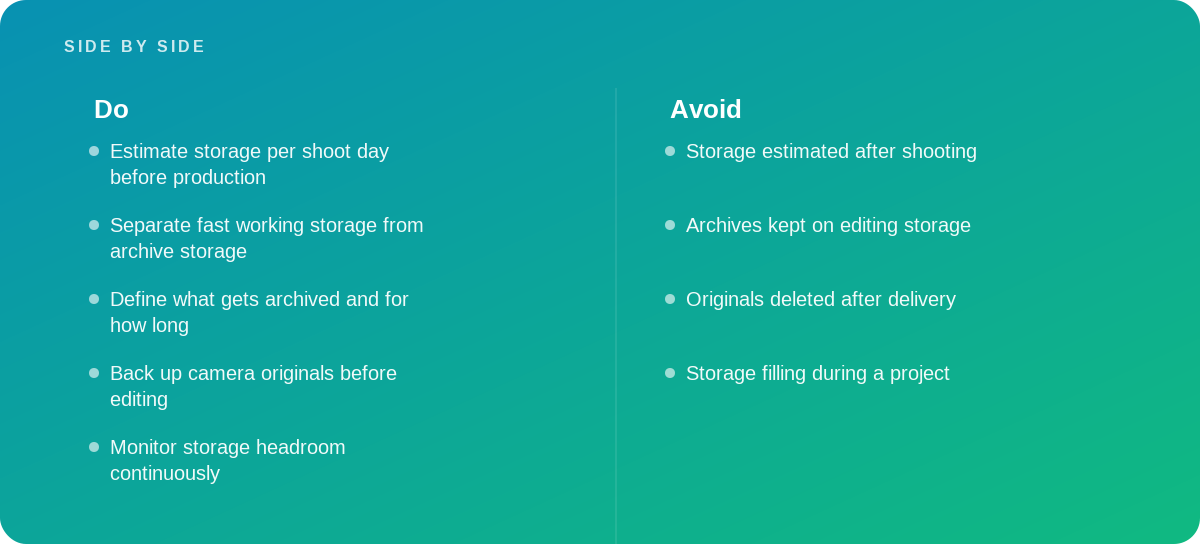
- Estimate storage per shoot day before production
- Separate fast working storage from archive storage
- Define what gets archived and for how long
- Back up camera originals before editing
- Monitor storage headroom continuously
Common pitfalls
Watch out for:
- Storage estimated after shooting
- Archives kept on editing storage
- Originals deleted after delivery
- Storage filling during a project
When to call in a specialist
Bottom line Bring in help when video production outgrows storage.
Where this comes from
- Federal Agencies Digital Guidelines Initiative — Technical Guidelines for Digitizing Cultural Heritage Materials
- Blackmagic Design — DaVinci Resolve Reference Manual
The figures and practices above come from the sources listed.
Working on something like this?
We take on Video Editing & Production work for teams who want it done once, properly. Tell us what you are building and we will tell you honestly whether we are the right studio for it. Start a project.
Where to go next
Spotted something wrong? Report an error on this page. We correct on the page and say what changed.












