Touch Target Size: What Actually Works
How large and how far apart interactive elements such as buttons, links and icons need to be so people can tap them reliably without hitting the wrong one.
 MediaScaleUp Editorial Team
What is at stake
Small or crowded targets cause mis-taps for everyone on a phone and are a real barrier for people with tremors or limited dexterity, and WCAG 2.2 made a minimum size a level AA requirement.
The playbook
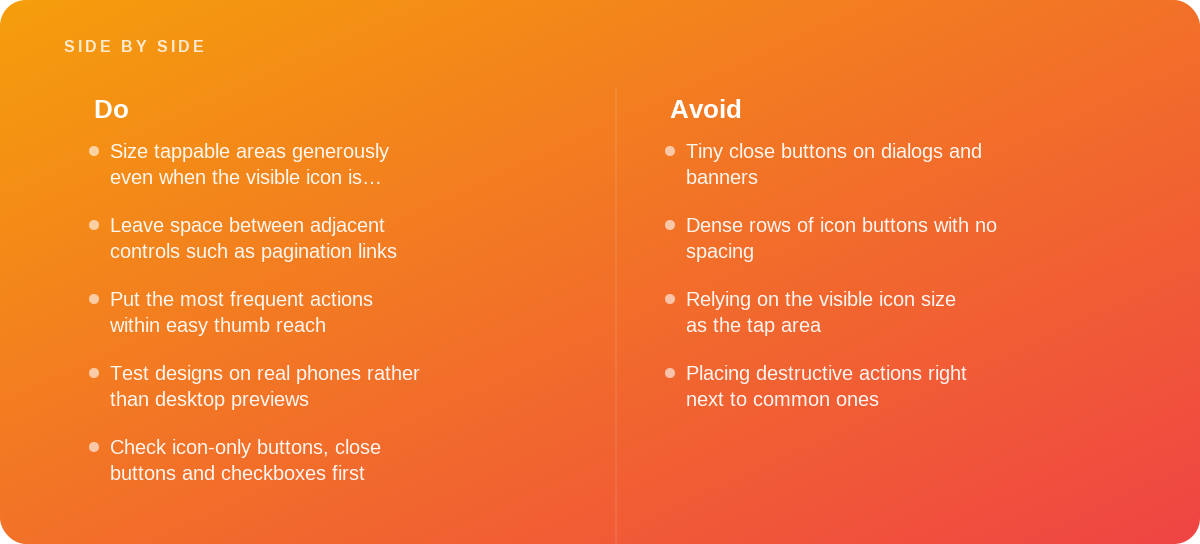
- Size tappable areas generously even when the visible icon is small
- Leave space between adjacent controls such as pagination links
- Put the most frequent actions within easy thumb reach
- Test designs on real phones rather than desktop previews
- Check icon-only buttons, close buttons and checkboxes first
Where it goes wrong
Avoid:
- Tiny close buttons on dialogs and banners
- Dense rows of icon buttons with no spacing
- Relying on the visible icon size as the tap area
- Placing destructive actions right next to common ones
The numbers behind it
| Measure | Figure |
|---|---|
| WCAG 2.5.8 Target Size Minimum, AA | at least 24 by 24 CSS pixels, or enough spacing around smaller targets |
| WCAG 2.5.5 Target Size Enhanced, AAA | at least 44 by 44 CSS pixels |
| Apple Human Interface Guidelines | a minimum hit target of 44 by 44 points |
| Material Design | touch targets of at least 48 by 48 density-independent pixels |
| Exceptions in WCAG 2.5.8 | inline links in text, and targets whose size is set by the browser |
Getting outside help
When to hand it over: Bring in help when analytics show frequent mis-taps or rage taps, or when an accessibility audit flags target size across a design system.
Where this comes from
- W3C Web Accessibility Initiative — Understanding SC 2.5.8 Target Size (Minimum)
- Apple Human Interface Guidelines — Accessibility
- Material Design — Accessibility basics
The figures and practices above come from the sources listed.
Working on something like this?
We take on UI & UX Design work for teams who want it done once, properly. Tell us what you are building and we will tell you honestly whether we are the right studio for it. Start a project.
Where to go next
Spotted something wrong? Report an error on this page. We correct on the page and say what changed.