Progress Bars and Steppers, Done Properly
Bars and steppers that show how far through a process someone is.
 MediaScaleUp Editorial Team

At a glance
- Roles progress bars have defined roles and value attributes
- Steppers multi-step forms should announce the current step
- Indeterminate unknown durations need different treatment
- Updates changes should be announced without disruption
Why it matters
Why it matters: Progress information helps everyone, but it must be exposed to assistive technology, not only drawn.
Best practice
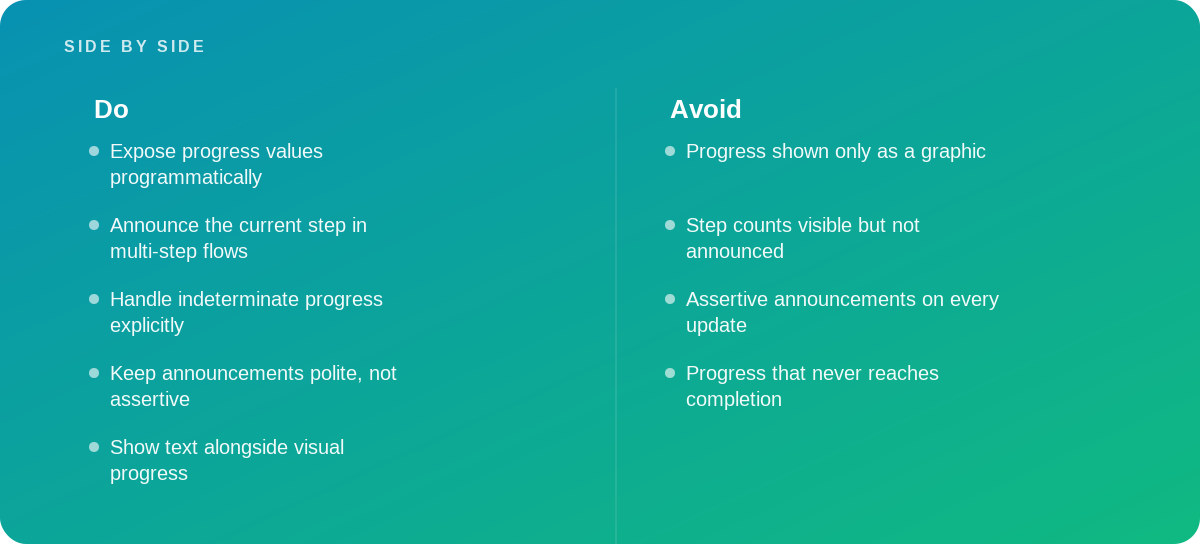
- Expose progress values programmatically
- Announce the current step in multi-step flows
- Handle indeterminate progress explicitly
- Keep announcements polite, not assertive
- Show text alongside visual progress
Common pitfalls
Watch out for:
- Progress shown only as a graphic
- Step counts visible but not announced
- Assertive announcements on every update
- Progress that never reaches completion
When to call in a specialist
Bottom line Bring in help when long processes confuse users.
Where this comes from
- W3C ARIA Authoring Practices Guide — Meter pattern
- W3C Web Accessibility Initiative — Understanding SC 4.1.3 Status Messages
The figures and practices above come from the sources listed.
Working on something like this?
We take on Performance & Accessibility work for teams who want it done once, properly. Tell us what you are building and we will tell you honestly whether we are the right studio for it. Start a project.
Where to go next
Spotted something wrong? Report an error on this page. We correct on the page and say what changed.








