How to Get Store API Rate Limits Right
The limits platforms place on how often apps and integrations can call their APIs.
 MediaScaleUp Editorial Team

Why does it matter?
Integrations that ignore limits get throttled, causing failed syncs and missing orders at the worst moments.
What are the numbers?
- Throttling platforms return errors when limits are exceeded
- Bulk operations large data jobs often have dedicated endpoints
- Backoff retrying with increasing delays is the standard response
- Headers responses often report remaining capacity
What should I do?
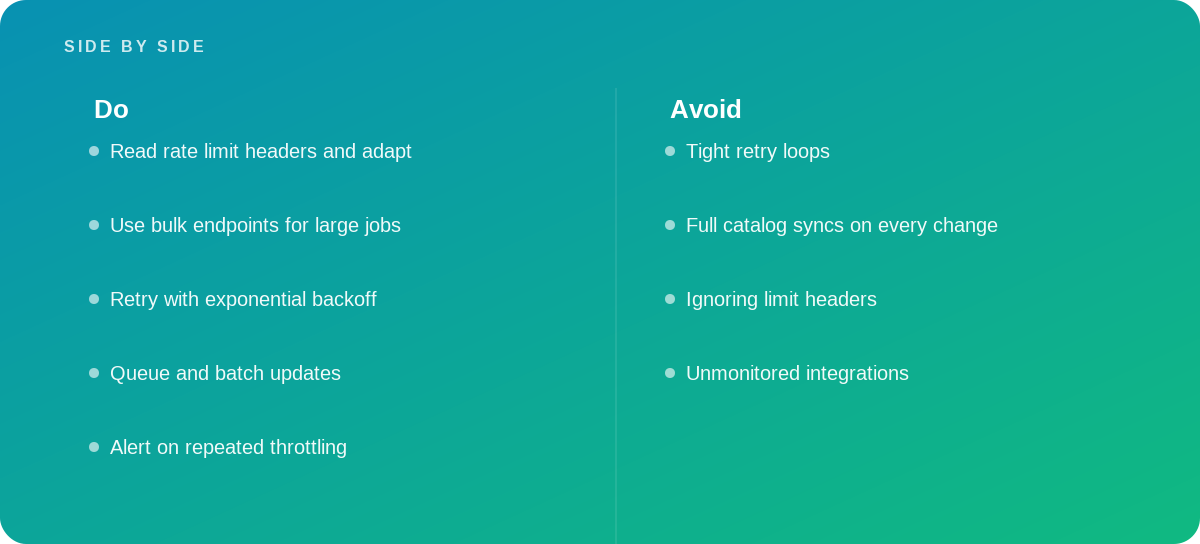
- Read rate limit headers and adapt
- Use bulk endpoints for large jobs
- Retry with exponential backoff
- Queue and batch updates
- Alert on repeated throttling
What should I avoid?
Avoid:
- Tight retry loops
- Full catalog syncs on every change
- Ignoring limit headers
- Unmonitored integrations
When should I get help?
Short answer Bring in help when syncs fail during busy periods.
Where this comes from
- Shopify Developers — API rate limits
- Stripe Documentation — Rate limits
The figures and practices above come from the sources listed.
Working on something like this?
We take on E-commerce Development work for teams who want it done once, properly. Tell us what you are building and we will tell you honestly whether we are the right studio for it. Start a project.
Where to go next
Spotted something wrong? Report an error on this page. We correct on the page and say what changed.