A Practical Guide to Webhooks for Store Integrations
Messages a store sends to other systems when events happen, such as an order being paid or a product updated.
 MediaScaleUp Editorial Team

Where most projects go wrong
The usual mistakes:
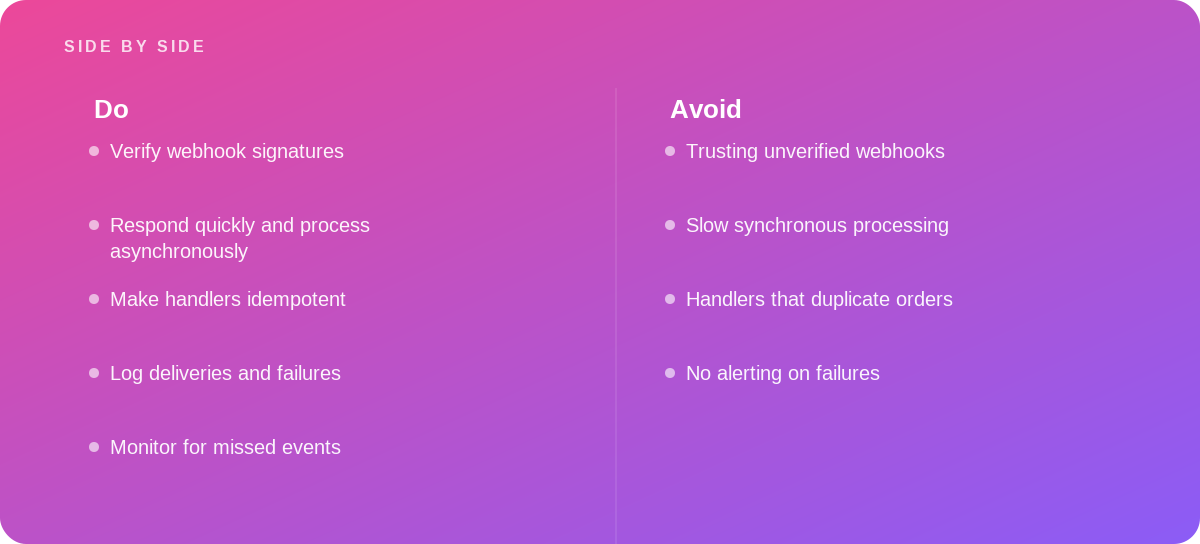
- Trusting unverified webhooks
- Slow synchronous processing
- Handlers that duplicate orders
- No alerting on failures
What good looks like instead
- Verify webhook signatures
- Respond quickly and process asynchronously
- Make handlers idempotent
- Log deliveries and failures
- Monitor for missed events
Why it matters
Webhooks keep systems in sync without polling, but they need verification, retries and idempotent handling.
The specs that matter
| Measure | Figure |
|---|---|
| Events | stores send webhooks for orders, products and customers |
| Verification | webhook signatures confirm the message came from the store |
| Retries | platforms retry failed deliveries |
| Duplicates | the same event can arrive more than once |
Knowing when to hand it over
Tip: Bring in help when stores integrate with ERP or fulfillment systems.
Where this comes from
- Shopify Developers — Webhooks
- Stripe Documentation — Webhooks
The figures and practices above come from the sources listed.
Working on something like this?
We take on E-commerce Development work for teams who want it done once, properly. Tell us what you are building and we will tell you honestly whether we are the right studio for it. Start a project.
Where to go next
Spotted something wrong? Report an error on this page. We correct on the page and say what changed.