How to Get Product Videos Right
Short videos on product pages that show a product in use, its scale, features or assembly.
 MediaScaleUp Editorial Team

What is at stake
Video shows what photos cannot, such as movement, sound and how a product works, which reduces uncertainty.
The playbook
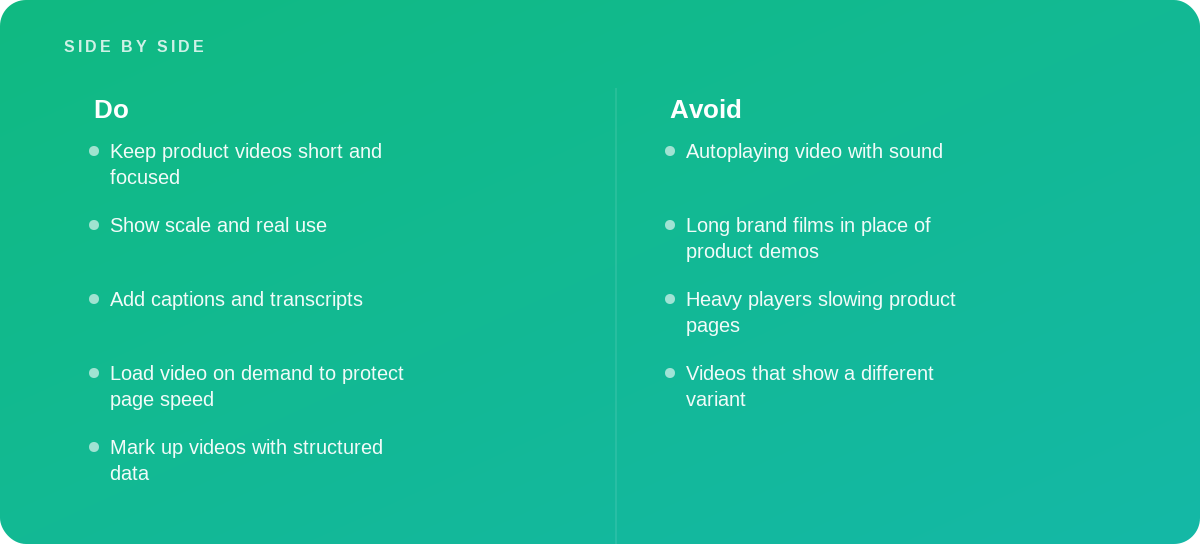
- Keep product videos short and focused
- Show scale and real use
- Add captions and transcripts
- Load video on demand to protect page speed
- Mark up videos with structured data
Where it goes wrong
Avoid:
- Autoplaying video with sound
- Long brand films in place of product demos
- Heavy players slowing product pages
- Videos that show a different variant
The numbers behind it
| Measure | Figure |
|---|---|
| Placement | in the product media gallery |
| Autoplay | should be muted if used at all |
| Captions | needed for any spoken content |
| Performance | videos should load only when requested |
Getting outside help
When to hand it over: Bring in help when adding video across a large catalog.
Where this comes from
- Google Search Central — Video structured data
- web.dev — Lazy load third-party resources with facades
The figures and practices above come from the sources listed.
Working on something like this?
We take on E-commerce Development work for teams who want it done once, properly. Tell us what you are building and we will tell you honestly whether we are the right studio for it. Start a project.
Where to go next
Spotted something wrong? Report an error on this page. We correct on the page and say what changed.