How to Get Popups and Interstitials Right
Overlays that appear on top of page content, such as email sign-up popups, promotions, exit-intent offers and app install banners.
 MediaScaleUp Editorial Team

At a glance
- Google guidance intrusive interstitials can make content less accessible on mobile
- Acceptable examples cookie consent, age verification and reasonably sized banners
- Accessibility popups must be dismissible and keyboard accessible
- Timing delayed or exit-intent popups interrupt less than immediate ones
Why it matters
Why it matters: Popups can capture leads, but intrusive ones frustrate visitors, hurt accessibility and can affect how Google evaluates mobile pages.
Best practice
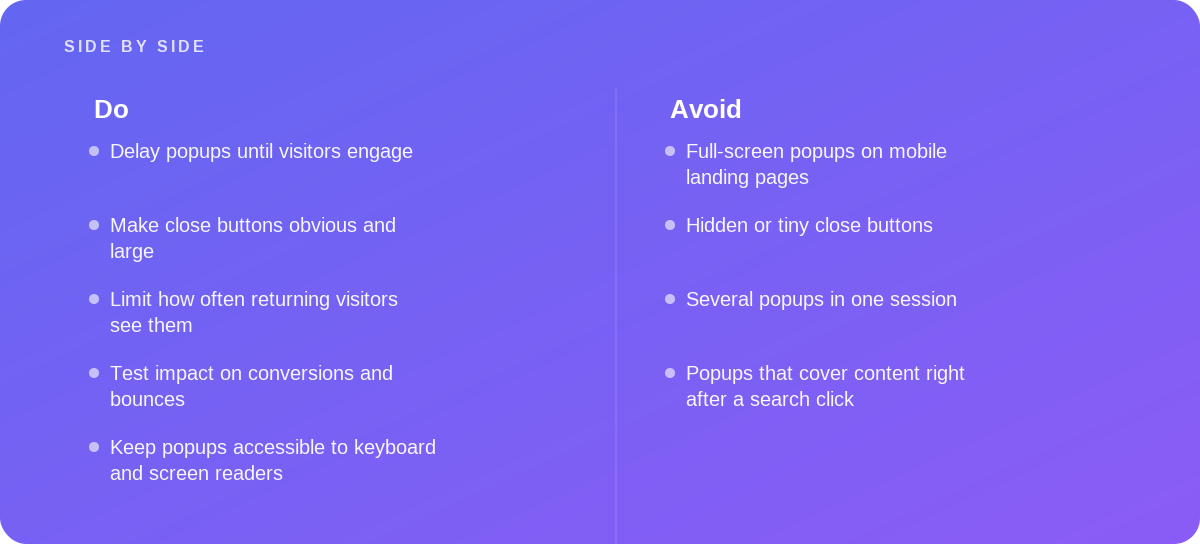
- Delay popups until visitors engage
- Make close buttons obvious and large
- Limit how often returning visitors see them
- Test impact on conversions and bounces
- Keep popups accessible to keyboard and screen readers
Common pitfalls
Watch out for:
- Full-screen popups on mobile landing pages
- Hidden or tiny close buttons
- Several popups in one session
- Popups that cover content right after a search click
When to call in a specialist
Bottom line Bring in help when popups drive complaints or high bounce rates, or when balancing lead capture with experience.
Where this comes from
- Google Search Central — Avoid intrusive interstitials and dialogs
- Nielsen Norman Group — Popups: 10 problematic trends and alternatives
The figures and practices above come from the sources listed.
Working on something like this?
We take on Digital Marketing & CRO work for teams who want it done once, properly. Tell us what you are building and we will tell you honestly whether we are the right studio for it. Start a project.
Where to go next
Spotted something wrong? Report an error on this page. We correct on the page and say what changed.