How to Get Brand Safety in Programmatic Right
Controlling where ads appear so they do not run alongside content that damages the brand.
 MediaScaleUp Editorial Team

Where most projects go wrong
The usual mistakes:
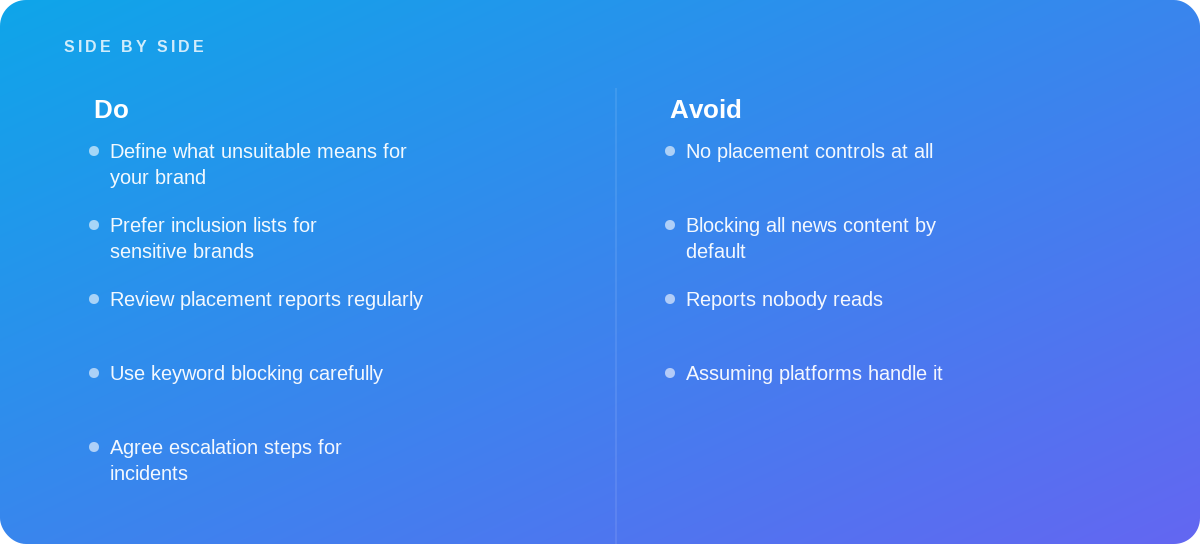
- No placement controls at all
- Blocking all news content by default
- Reports nobody reads
- Assuming platforms handle it
What good looks like instead
- Define what unsuitable means for your brand
- Prefer inclusion lists for sensitive brands
- Review placement reports regularly
- Use keyword blocking carefully
- Agree escalation steps for incidents
Why it matters
Automated buying can place ads anywhere, and one screenshot of an ad beside harmful content can cause lasting damage.
The specs that matter
| Measure | Figure |
|---|---|
| Exclusion lists | block specific sites and categories |
| Inclusion lists | restrict buying to approved inventory |
| Keyword blocking | can be overly broad and block news unnecessarily |
| Verification | third-party tools report on placements |
Knowing when to hand it over
Tip: Bring in help when running large programmatic campaigns.
Where this comes from
- IAB Tech Lab — Brand safety
- Google Ads Help — Content suitability
The figures and practices above come from the sources listed.
Working on something like this?
We take on Digital Marketing & CRO work for teams who want it done once, properly. Tell us what you are building and we will tell you honestly whether we are the right studio for it. Start a project.
Where to go next
Spotted something wrong? Report an error on this page. We correct on the page and say what changed.