Auditing Conversion Tracking: The Decisions That Matter
Checking that conversions are recorded once, accurately and in the right places across analytics and ad platforms.
 MediaScaleUp Editorial Team

What is at stake
Broken or duplicated tracking misleads every decision made from the data, often for months.
The playbook
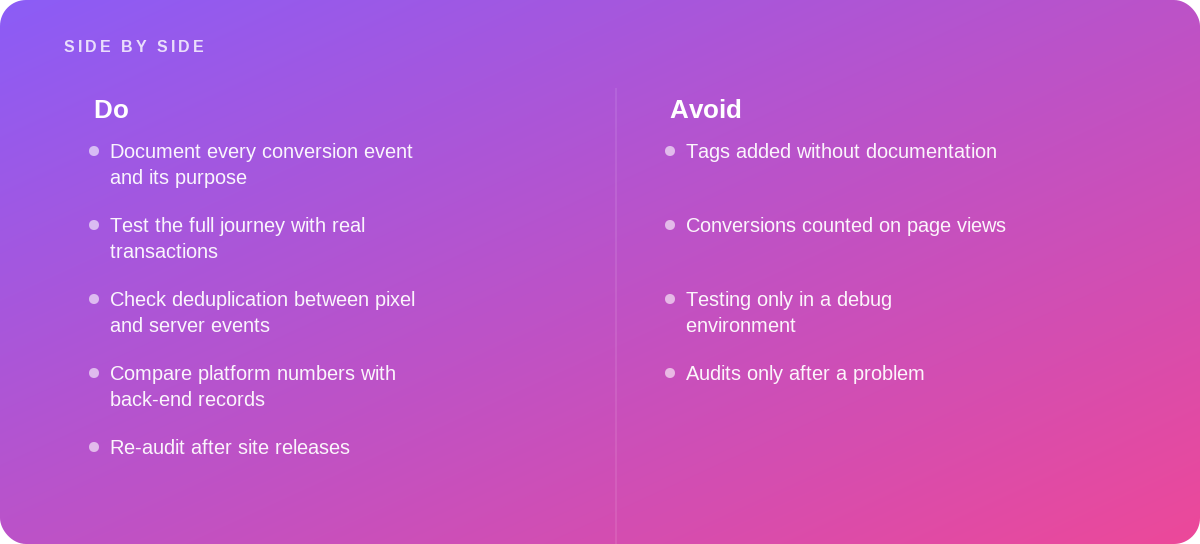
- Document every conversion event and its purpose
- Test the full journey with real transactions
- Check deduplication between pixel and server events
- Compare platform numbers with back-end records
- Re-audit after site releases
Where it goes wrong
Avoid:
- Tags added without documentation
- Conversions counted on page views
- Testing only in a debug environment
- Audits only after a problem
The numbers behind it
| Measure | Figure |
|---|---|
| Duplication | the same conversion can be counted by several tags |
| Consent | consent settings change what is recorded |
| Deduplication | platforms need identifiers to deduplicate events |
| Test purchases | verify the full path end to end |
Getting outside help
When to hand it over: Bring in help when platform numbers disagree with sales records.
Where this comes from
- Google Analytics Help — Key events
- Meta Business Help Center — Conversions API
The figures and practices above come from the sources listed.
Working on something like this?
We take on Digital Marketing & CRO work for teams who want it done once, properly. Tell us what you are building and we will tell you honestly whether we are the right studio for it. Start a project.
Where to go next
Spotted something wrong? Report an error on this page. We correct on the page and say what changed.