How to Get Photographing Colorways Right
Shooting the same product in several colors or finishes for a catalog.
 Imogen Clarke

Where most projects go wrong
The usual mistakes:
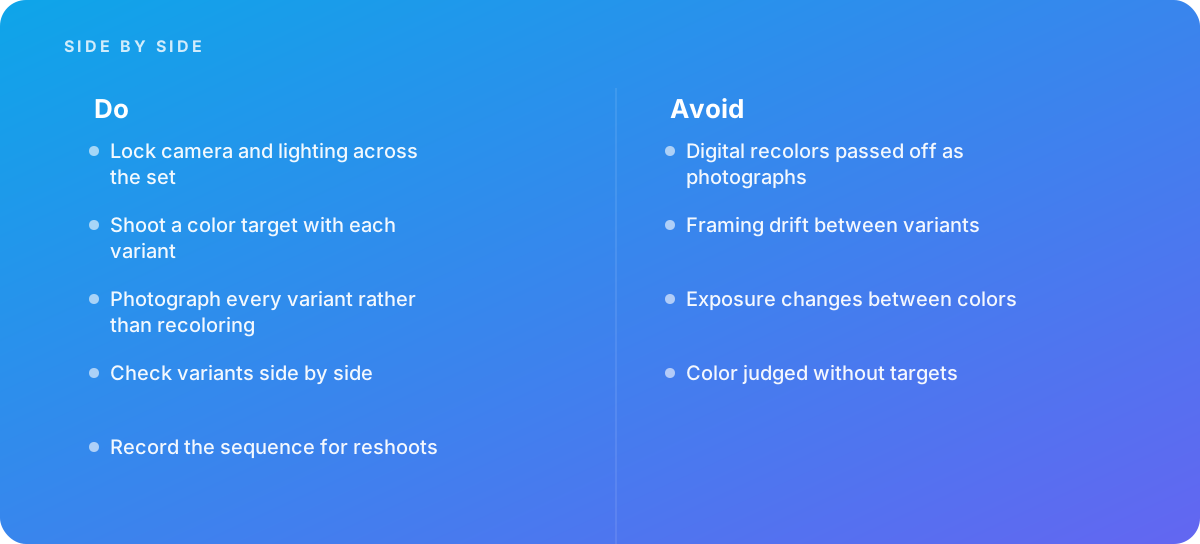
- Digital recolors passed off as photographs
- Framing drift between variants
- Exposure changes between colors
- Color judged without targets
What good looks like instead
- Lock camera and lighting across the set
- Shoot a color target with each variant
- Photograph every variant rather than recoloring
- Check variants side by side
- Record the sequence for reshoots
Why it matters
Colorways must match in framing and lighting, and color accuracy determines whether shoppers get what they expect.
The specs that matter
| Measure | Figure |
|---|---|
| Consistency | framing must match across variants |
| Color accuracy | each variant needs accurate reproduction |
| Recoloring | digital recoloring rarely matches real samples |
| Order | shooting light to dark reduces exposure changes |
Knowing when to hand it over
Tip: Bring in help when ranges have many finishes.
Where this comes from
- International Color Consortium — Color management
- Capture One — Learning resources for product photography
The figures and practices above come from the sources listed.
Working on something like this?
We take on Photography & Product Visuals work for teams who want it done once, properly. Tell us what you are building and we will tell you honestly whether we are the right studio for it. Start a project.
Where to go next
Spotted something wrong? Report an error on this page. We correct on the page and say what changed.