How to Get Meta Pixel and Conversions API Right
Meta's browser-based pixel and its server-to-server Conversions API, used together to send website events to Meta for measurement and ad optimization.
 MediaScaleUp Editorial Team

Where most projects go wrong
The usual mistakes:
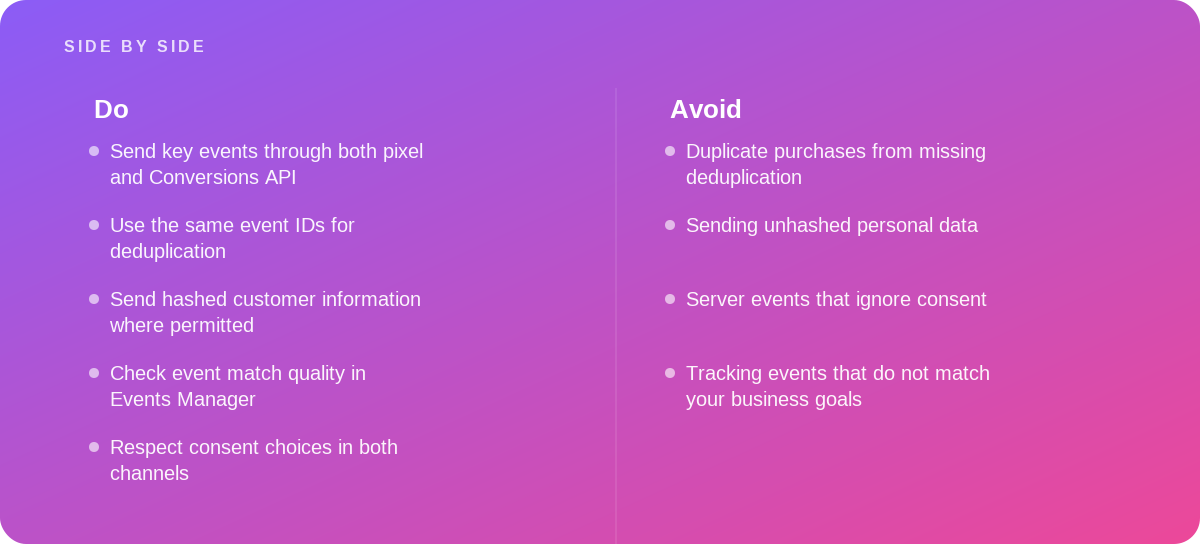
- Duplicate purchases from missing deduplication
- Sending unhashed personal data
- Server events that ignore consent
- Tracking events that do not match your business goals
What good looks like instead
- Send key events through both pixel and Conversions API
- Use the same event IDs for deduplication
- Send hashed customer information where permitted
- Check event match quality in Events Manager
- Respect consent choices in both channels
Why it matters
Browser tracking loses events to blockers and privacy settings, and the Conversions API helps recover them when implemented with correct deduplication.
The specs that matter
| Measure | Figure |
|---|---|
| Meta Pixel | JavaScript code on the website that sends browser events |
| Conversions API | sends events from your server to Meta |
| Deduplication | matching event_id values prevent double counting |
| Events Manager | shows event quality and match diagnostics |
Knowing when to hand it over
Tip: Bring in help when Meta reports differ widely from your sales data, or when setting up server-side events.
Where this comes from
- Meta Business Help Center — About the Meta Pixel
- Meta Business Help Center — About Conversions API
The figures and practices above come from the sources listed.
Working on something like this?
We take on Digital Marketing & CRO work for teams who want it done once, properly. Tell us what you are building and we will tell you honestly whether we are the right studio for it. Start a project.
Where to go next
Spotted something wrong? Report an error on this page. We correct on the page and say what changed.